Sarbacane Studio centralizes your templates, blocks, images, pictograms, and personalization variables. The aforementioned elements can then be reused in whole or in part on a selection of Sarbacane Suite applications, namely:
Campaigns
Forms
Pages
Sendkit.
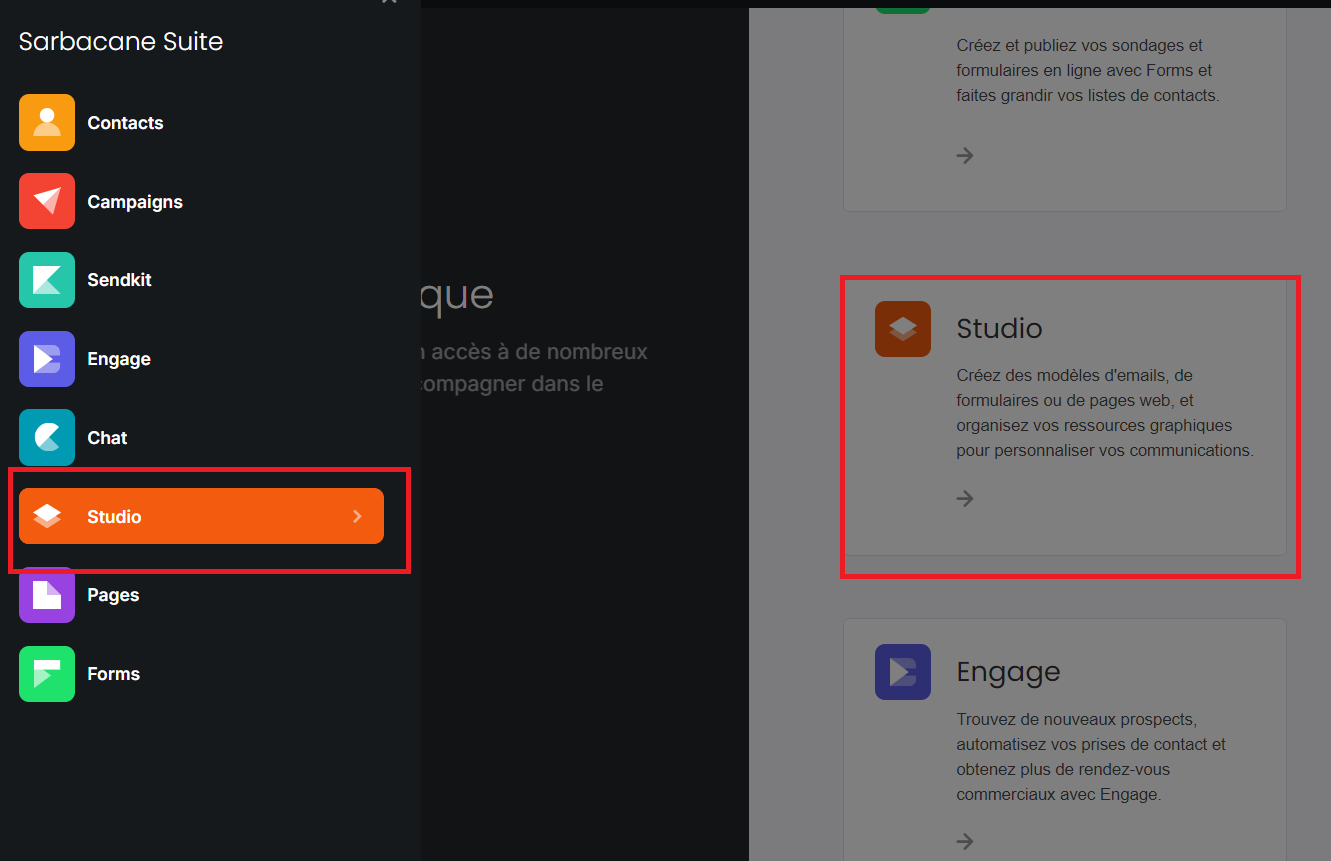
To access it, simply select “Studio”, via the Suite home page which lists your applications, or at any time via the usual sidebar:
Good to know: Sarbacane Studio is available to any user holding a Suite, Campaigns, Forms, Pages, or Sendkit license. The purchase of additional licenses is also possible according to your needs, by clicking here.
Beyond the creation and organization of your various elements, Studio also allows them to be shared within your account and transferred to an external account.
The configuration of permissions within your account is also available in order to authorize (or limit) certain precisely defined actions.
