To save time and standardize your graphic style, Sarbacane Studio offers the creation and saving of blocks.
Once defined, saved, and then shared with the members of your team, a simple drag-and-drop from the Builders of Campaigns, Forms, Pages, or even Sendkit is sufficient for later reuse.
Good to know: modifying blocks in the other Sarbacane Suite applications does not modify the blocks saved in Sarbacane Studio.
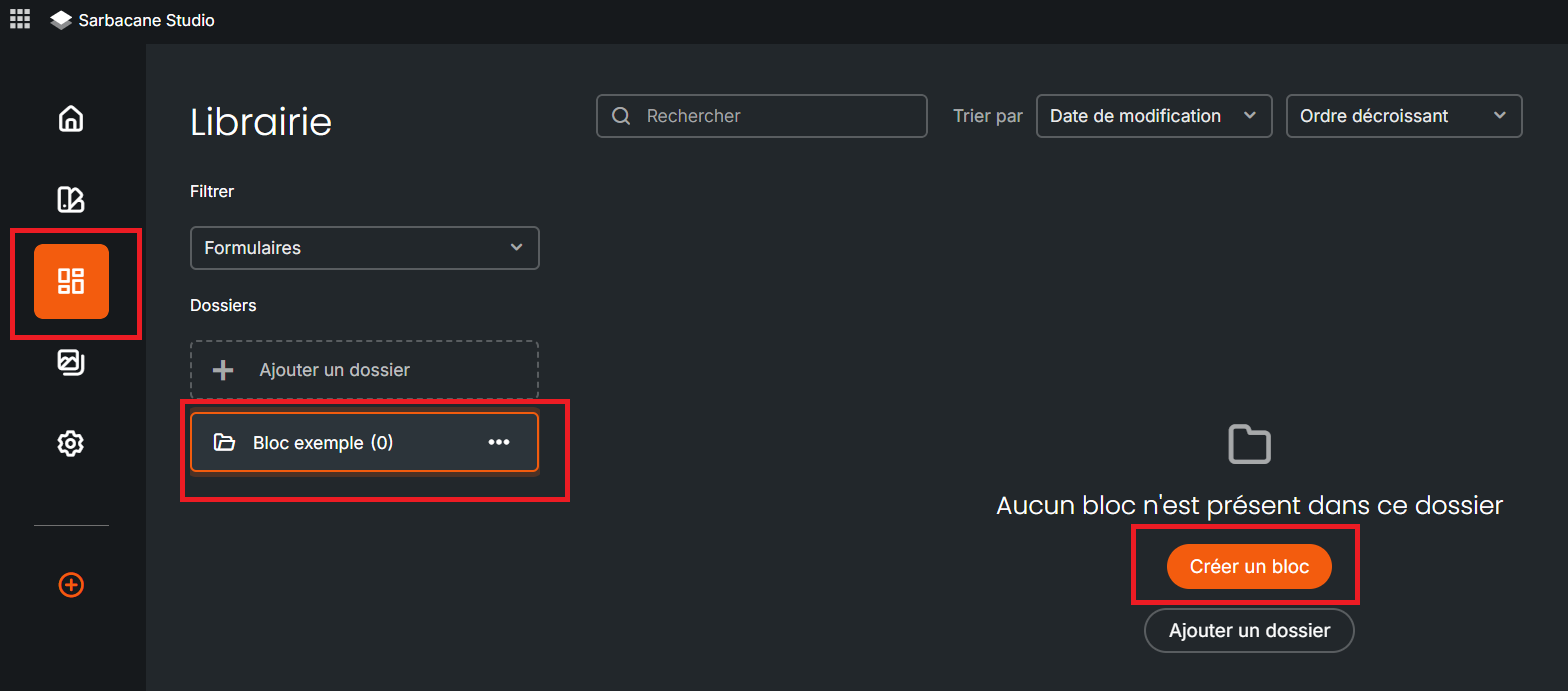
Go to the “Library” submenu
It is primarily possible to:
Create a block.
Edit a block.
Once your blocks are defined:
Tags can be added and modified.
Sharing options can be managed.
