Sarbacane Studio centralizes the management of templates intended to be used in Campaigns, Forms, Pages and Sendkit.
Good to know: you can start from scratch, choose an existing template or use a Smart Template in the colors of your visual identity guidelines.
Start creating a template
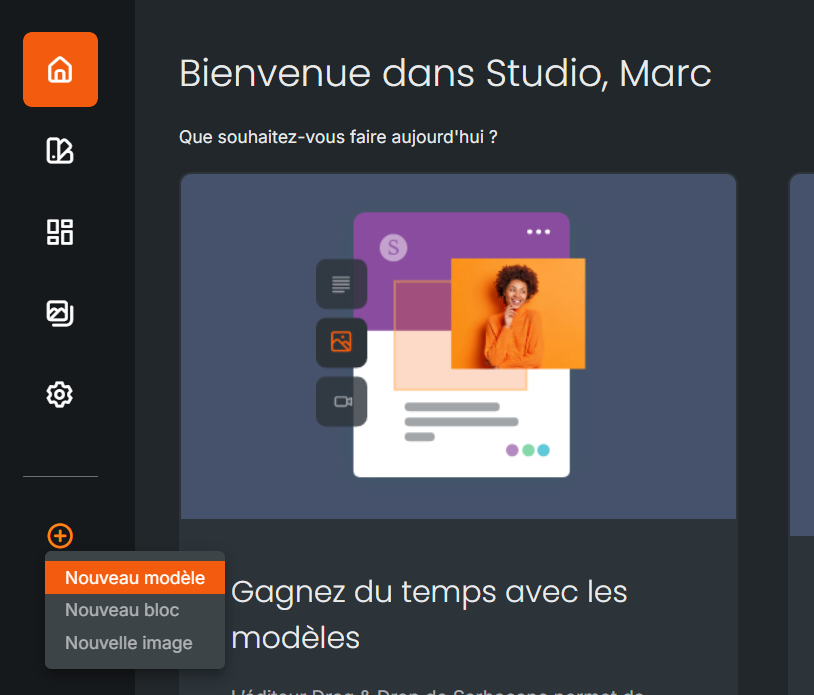
From the left sidebar, click on the “+” and simply select “new template”.
Choose the purpose of the template
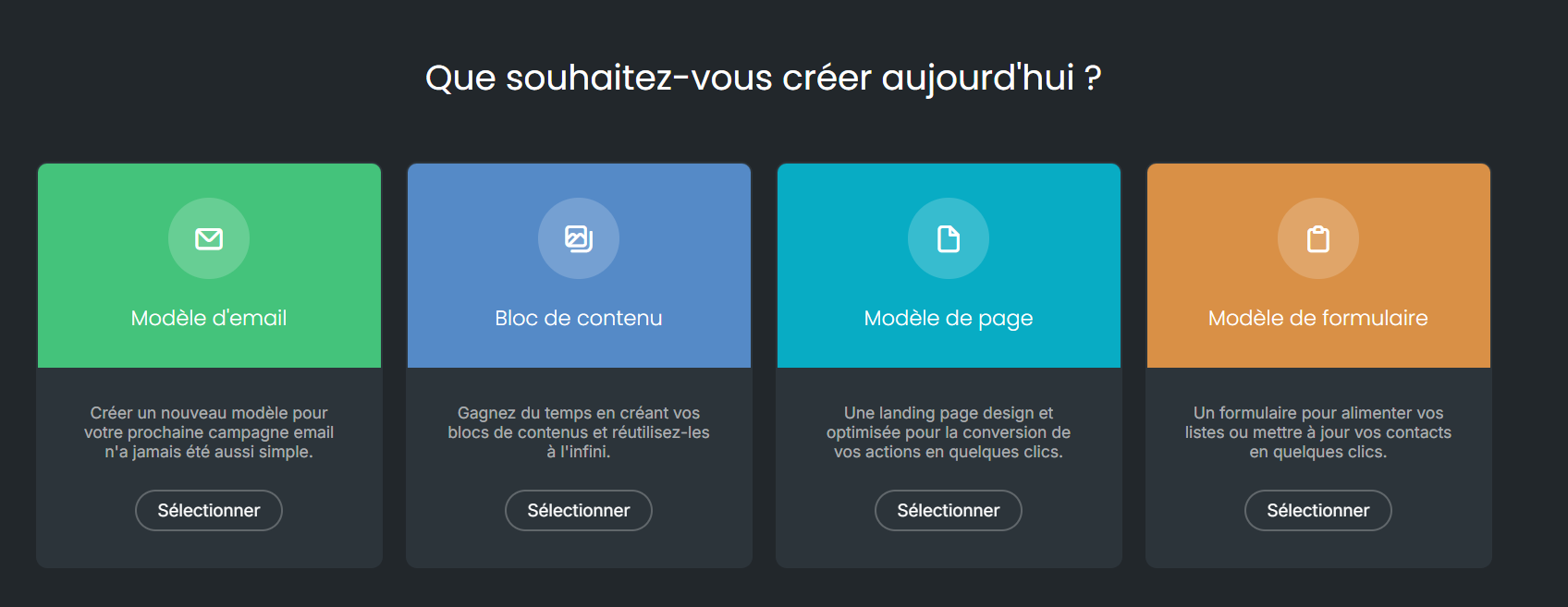
After starting the creation process, a screen is displayed. Simply choose the option that matches your purpose.
Then choose the template that best matches your intention and objective. Folders and filters make this search easier if needed.
The drag & drop editor assists you in the creation process
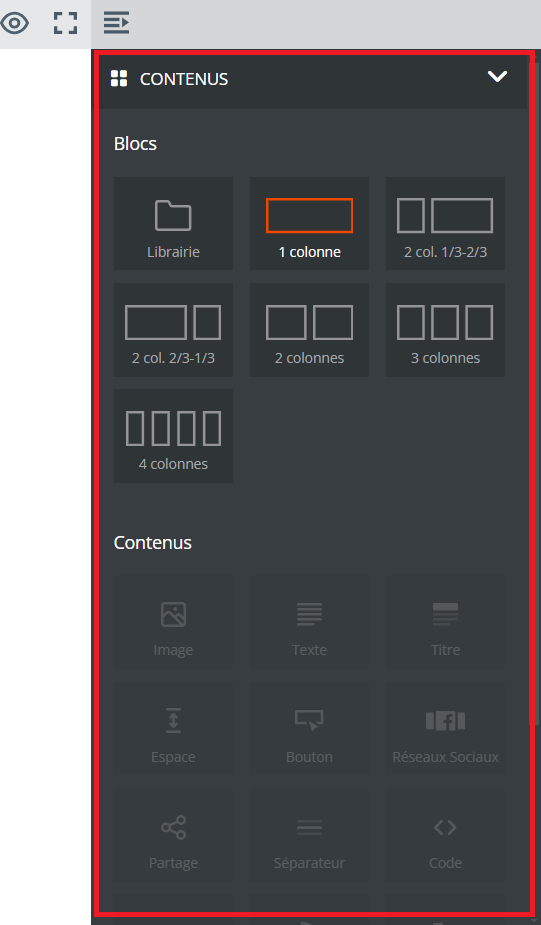
Then, using the drag & drop editor, compose your template with the blocks and content.
Once your template is complete, you can name it and add tags so that you can find it more easily later on.
Saving your template does not prevent you from coming back to it later, whether to improve its presentation or to modify images, videos and texts, among other things. Sharing settings are also available at any time.
