To organize and classify your templates, there are three methods: tags, the folder tree structure, and filters.
Sorting by tags:
From the “Templates” screen, it is possible to sort your templates based on tags. The feature is available at the top right of the screen:
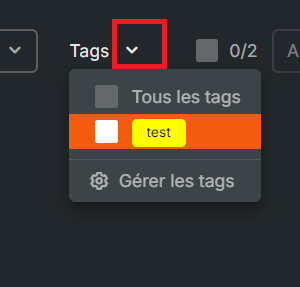
These tags are defined when each template is first saved and can be modified at any time.
It is not necessary to reload the page to refresh the results.
Sorting by folder tree structure:
From the “Templates” screen, it is possible to browse folders, subfolders, and sub-subfolders. This tree structure can be managed simply by drag and drop.
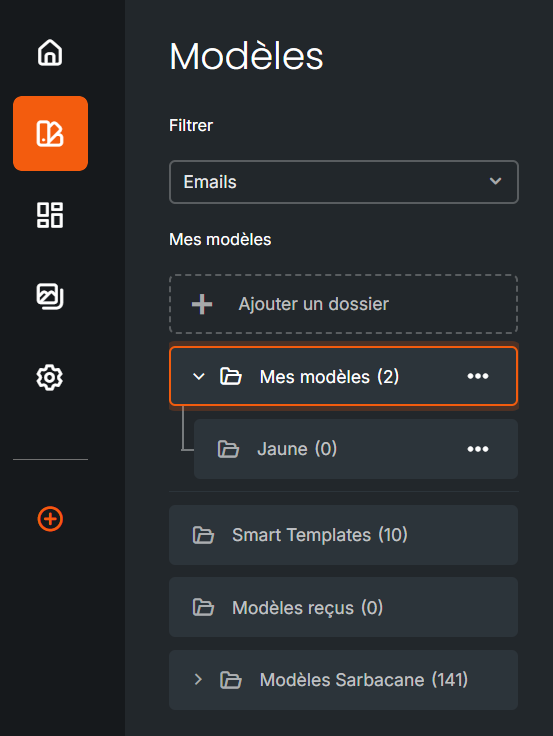
To add a folder and then organize its hierarchy, simply click on Add a folder.
It is not necessary to reload the page to refresh the tree structure or the results: what you see is what is available at the time of consultation.
