To delete one or more templates, there are two methods that we describe in detail below.
Please note, any deletion of a folder or template is irreversible!
Delete a single template
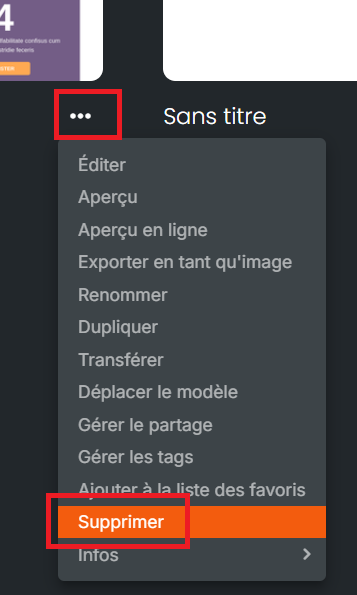
It is possible to delete a single template by clicking on the 3 dots next to the template in question and proceeding as follows:
Delete a single template or a selection of templates
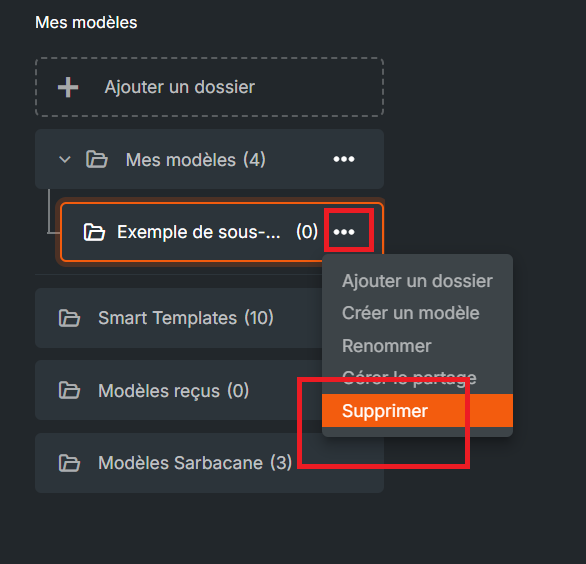
This operation is the same whether it concerns a single template or several; what matters is the deletion of the folder, subfolder, or sub-subfolder.
Go to the left sidebar, then select the folder, subfolder, or sub-subfolder containing the template(s) you wish to delete. Then click on the 3 dots and proceed as follows: