All management of your templates is carried out in the “Studio” section of your account.
In this section, you can:
Create templates for your emails, forms and pages,
Organise your templates by folders,
Save reusable blocks (such as headers, footers, etc.) to facilitate the creation of your future content.
To launch a campaign from a template, go to the Campaigns tab of your account.
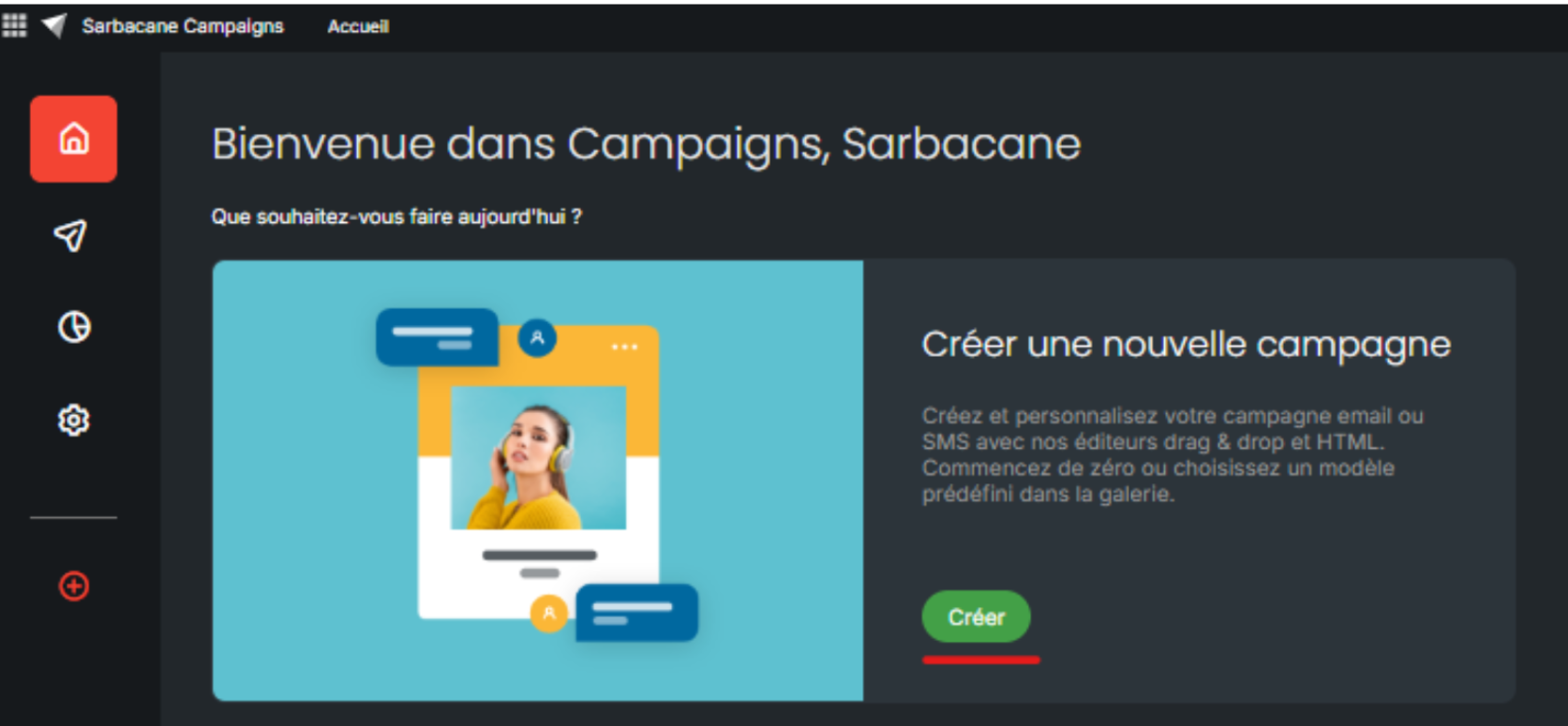
Select the desired type of campaign: Email Campaign or Automated Campaign.
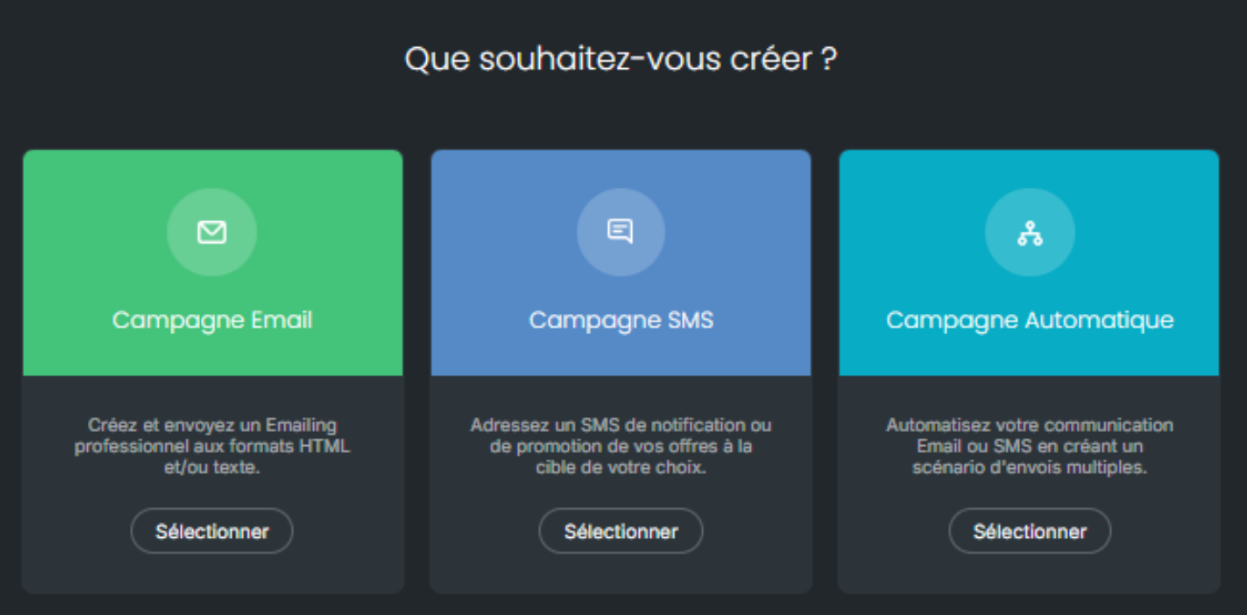
In this example, we will choose an Email Campaign.
In the Message section of your creation, all your templates are displayed. At that point, you can select the one of your choice:
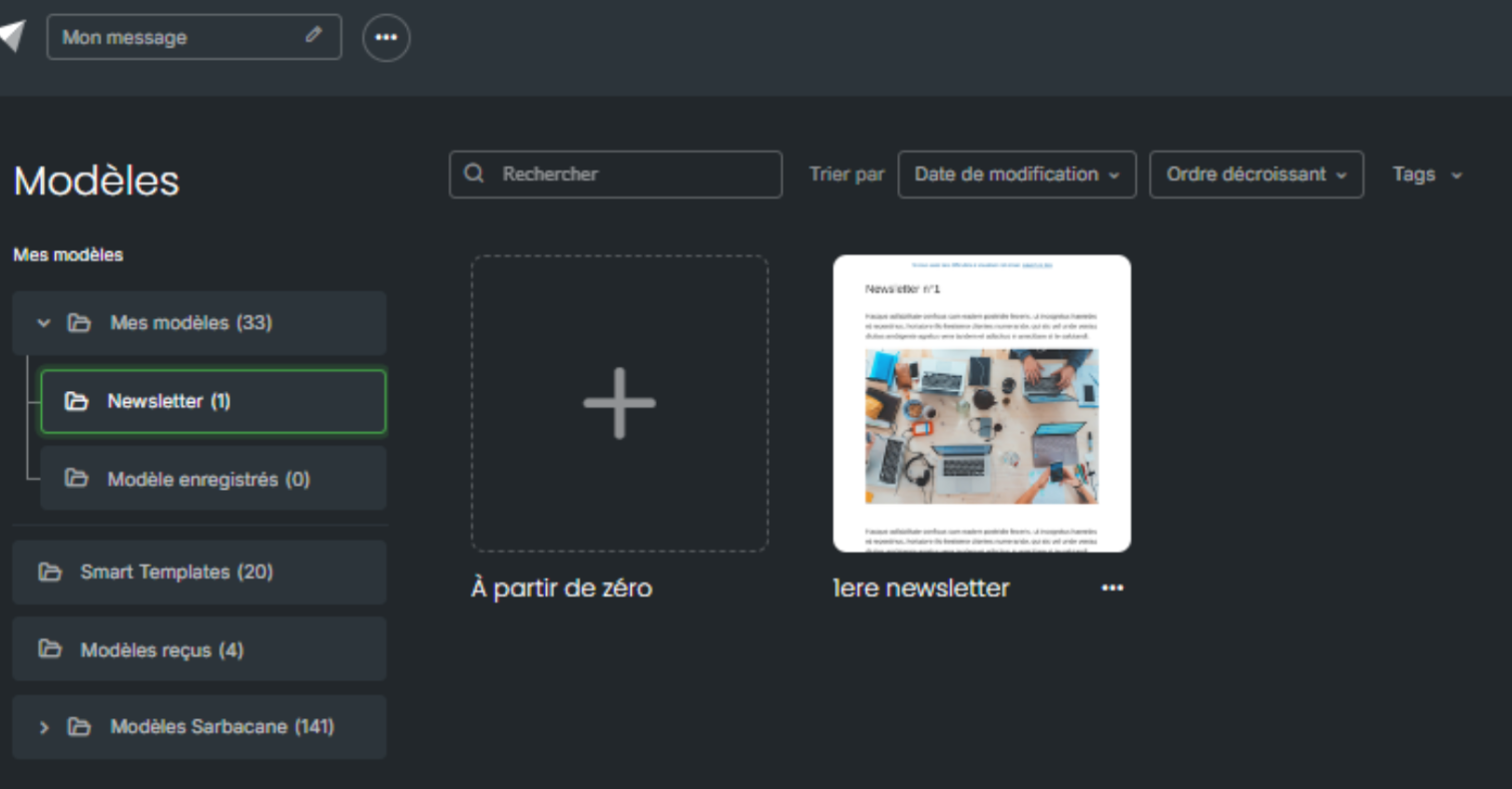
By hovering over the desired template, two options are available to you:
Use this template: the template is directly imported into your campaign. You can then configure the essential settings (sender address, reply-to address, subject line, etc.) and modify the content if necessary.
Preview: view the template before selecting it to ensure that it meets your needs.
Once the template has been selected and the configuration completed, you have the option to test your campaign to ensure the final rendering.
Is everything ready? All that remains is to send your campaign to your contacts!
