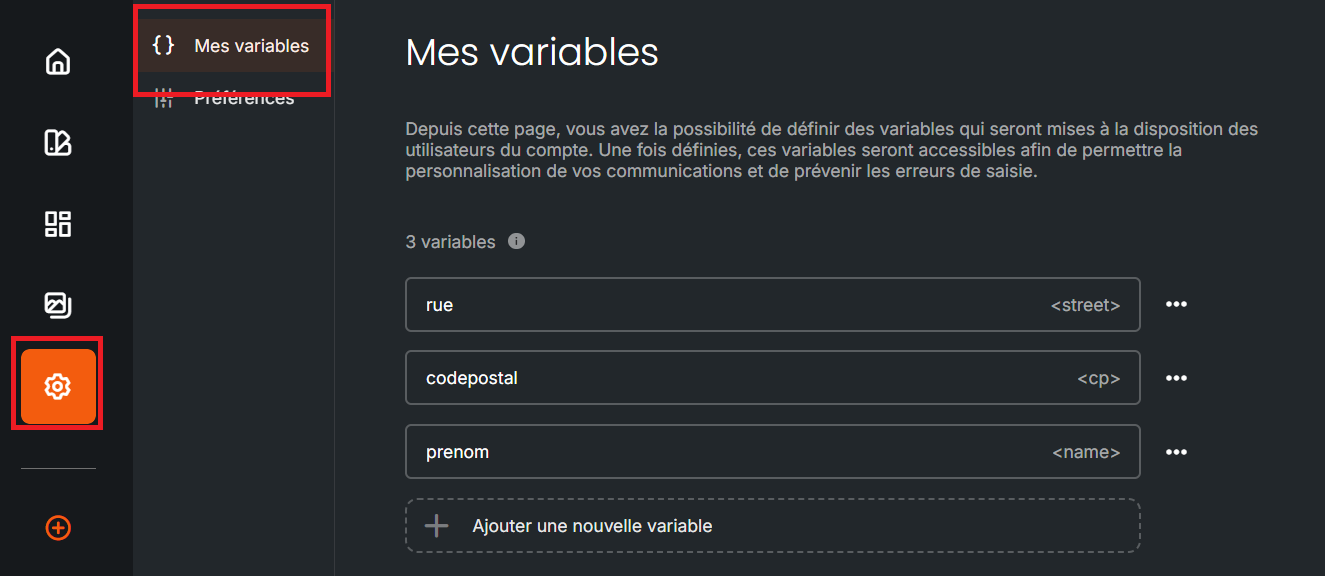
Variables within Studio have two major purposes:
They enable the personalization of email and SMS templates created by you, so that your communications are more engaging.
They enable the standardization of this personalization, which de facto prevents common data entry errors by your colleagues or yourself.
Please note, if your templates contain personalization variables, editing or deleting an existing variable will not update your templates.
Within the “variables” submenu located in the last left-hand side submenu, you simply need, when creating a variable, to cumulatively associate:
The variable, which corresponds to the label of a specific column in the recipient’s Sarbacane Contacts record.
The label of this variable, which enables its identification by everyone within the drag & drop editor.