In the EmailBuilder of Sarbacane Campaigns, you can save a block (header, footer, formatting…) to your library, then insert it into any other campaign. Saved blocks are also available in Sarbacane Studio, and vice versa. To reuse an entire message, save it as a template instead.
An email campaign created with the EmailBuilder of Sarbacane Campaigns.
A license and user rights that allow you to save blocks.
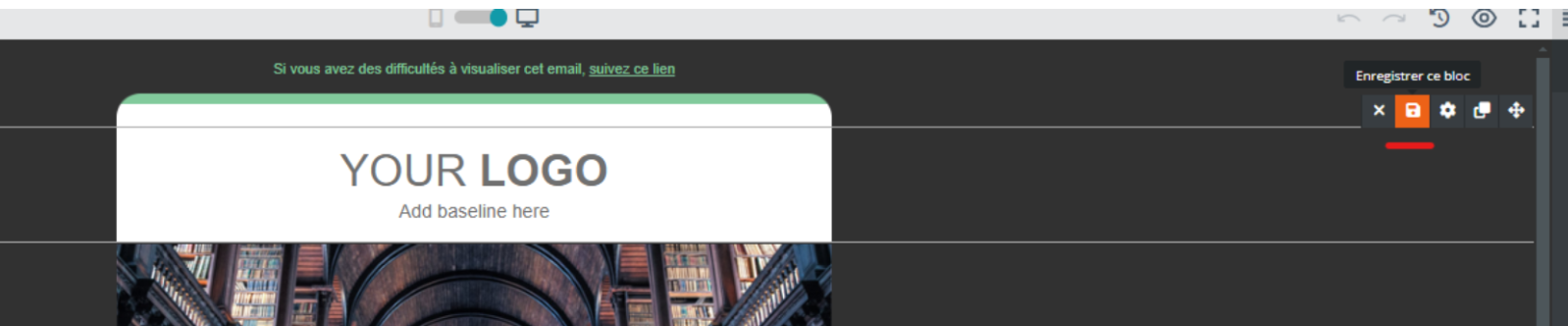
At the Message step, hover over the block to save: a toolbar appears at the top right of the block.
Click the floppy disk icon (save this block).
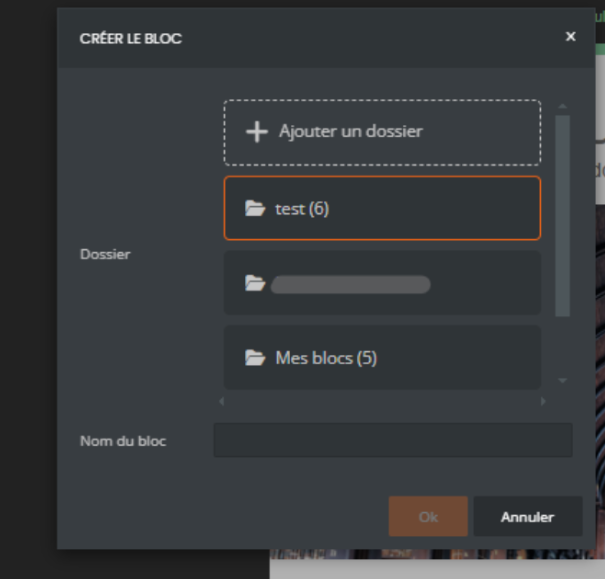
In the block creation window, choose a folder (or add a new folder), then enter the block name.
Click Ok.
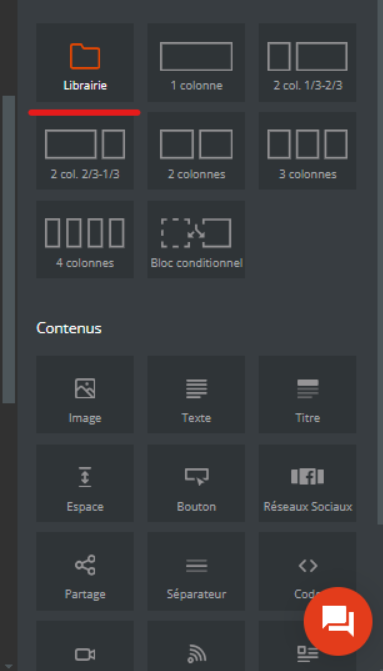
In the Contents panel, Blocks section, drag the Library item to the desired place in the email.
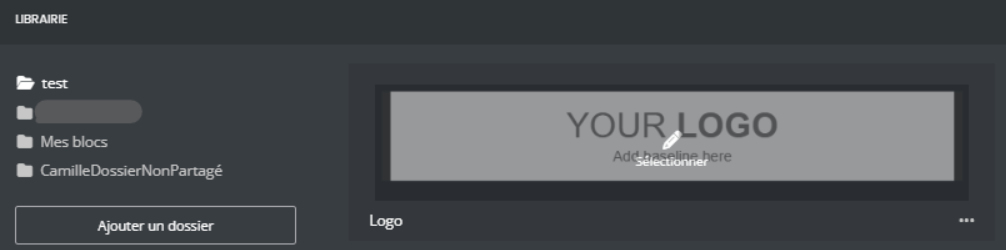
Click the block to reuse: it is inserted at that place.
Click the image: the image properties window opens.
At the top right of the window, click the folder icon.
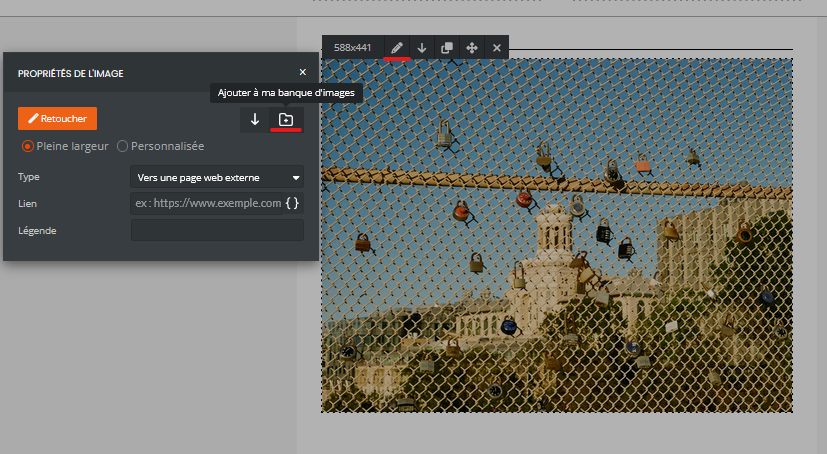
The block (or image) appears in your library, in the chosen folder. You can find it in all your campaigns and in Sarbacane Studio.
Your license or user rights do not allow you to save blocks. Ask the account owner or an administrator to check your license and authorizations.
Drag the Library item into the email and browse your folders: the block is stored in the folder chosen when it was saved.
