From the Sarbacane Email Builder, you can save complete messages as templates, but also save only certain blocks from your campaign in order to reuse them easily in other communications.
This proves particularly useful when you wish to reuse only your headers, footers, or a specific block format (or formatting) for other communications.
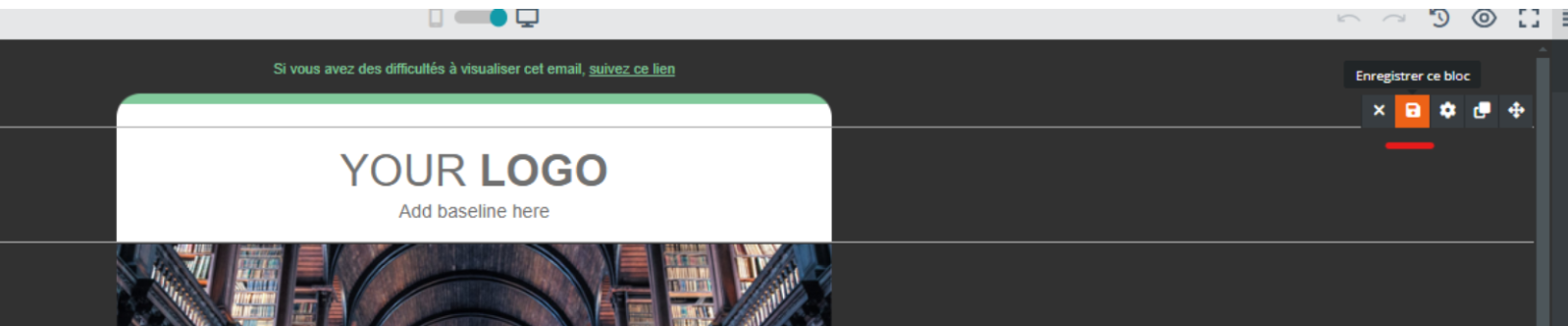
To save your blocks, hover over the block of interest, then click on "Save this block":
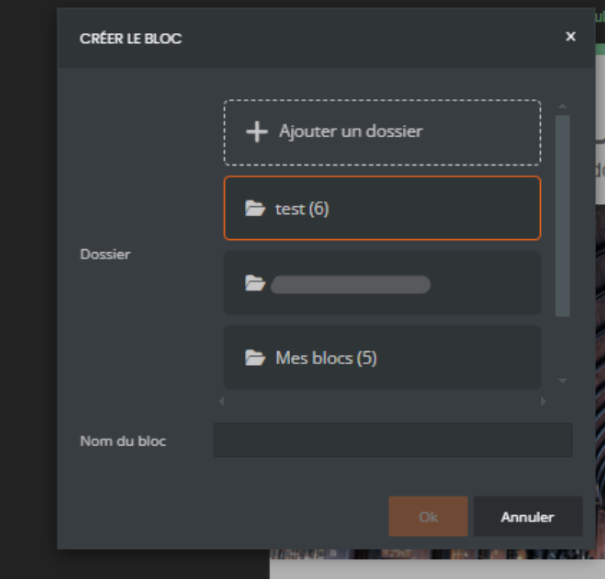
You can then create folders to organize your blocks and name them, so you can find them more easily:
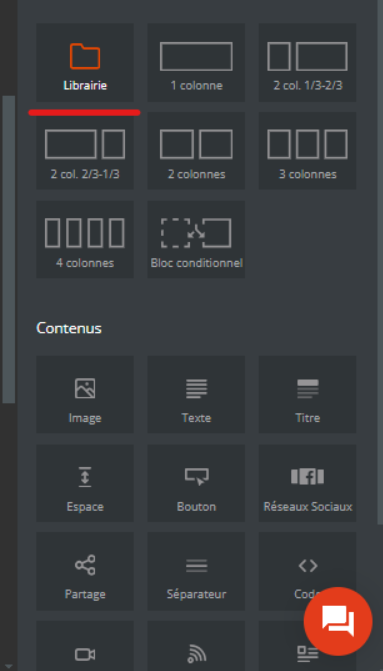
In the Email Builder, the "Library" content allows you to find your saved folders and blocks. You can drag and drop this content (as you do to add columns), and your blocks will be displayed:
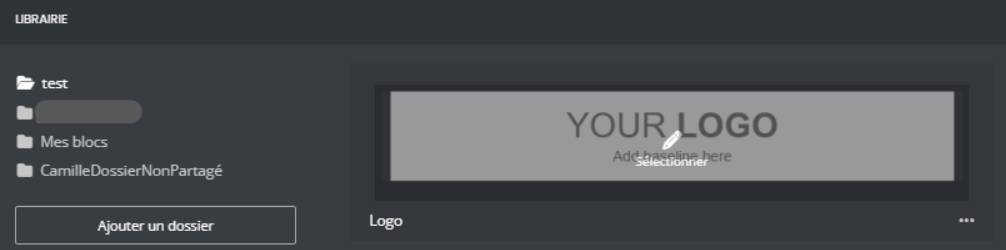
Finally, click on the block you wish to reuse: it will automatically be placed at the location where you dragged and dropped your Library content.
This content is available across all your campaigns, allowing you to choose between reusing entire content via a template, or only specific blocks through this Library content.
When you save a block, you can reuse it in both Campaigns and Studio, and vice versa.
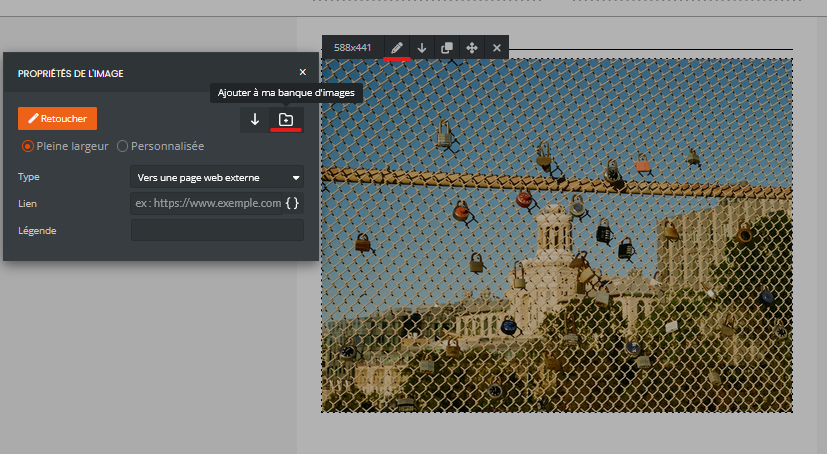
You also have the option to add an image to your library after uploading them. To do this, go to your image editing using the "pencil" icon and then via the "image properties" using the folder icon: