From Sarbacane’s Email Builder, you can save complete messages as templates, but also save only certain blocks of your campaign in order to reuse them easily in other communications.
This is particularly useful when you wish to reuse only your headers, footers, or a specific block format (or a specific formatting) for other communications.
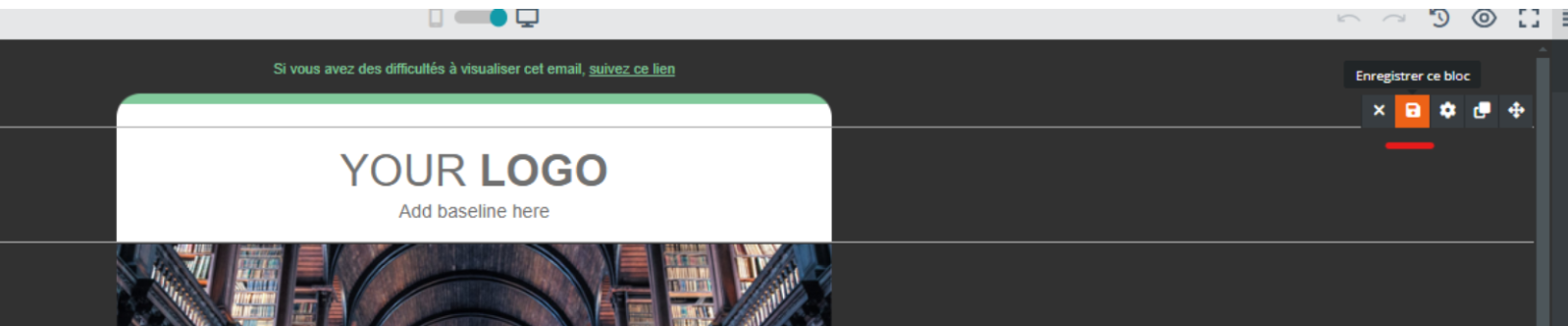
To save your blocks, hover over the block you are interested in, then click on “Save this block”:
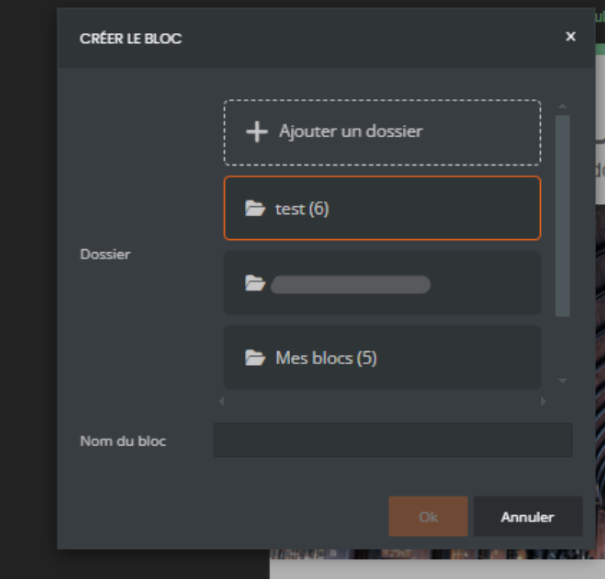
You can then create folders to organize your blocks and name them, so that you can find them more easily:
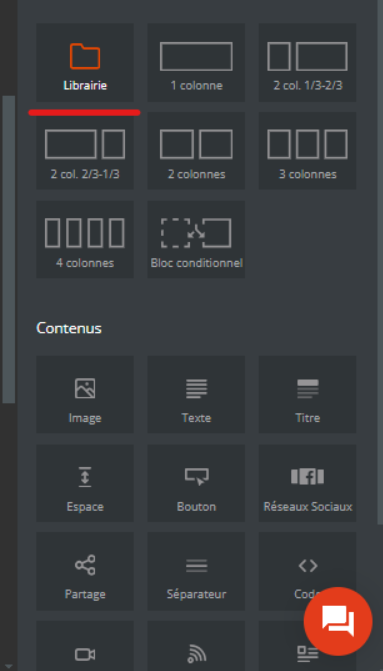
In the Email Builder, the “Library” content area allows you to find your saved folders and blocks. You can drag and drop this content (as you do to add columns), and your blocks will be displayed:
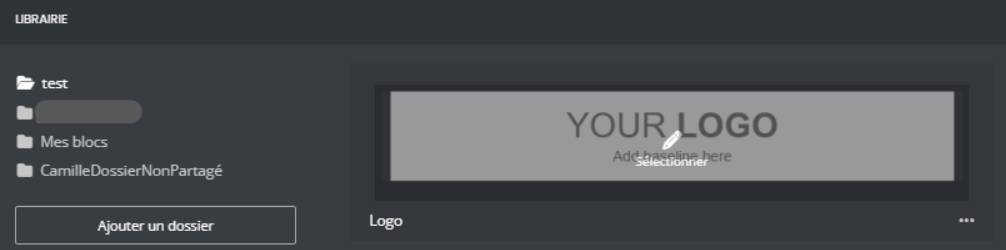
Finally, click on the block you wish to use again: it will automatically be placed at the location where you dragged and dropped your Library content.
This content is available in all your campaigns, allowing you to choose between reusing an entire content via a template, or only certain blocks thanks to this Library content.
When you save a block, you can reuse it both in Campaigns and in Studio, and vice versa.
