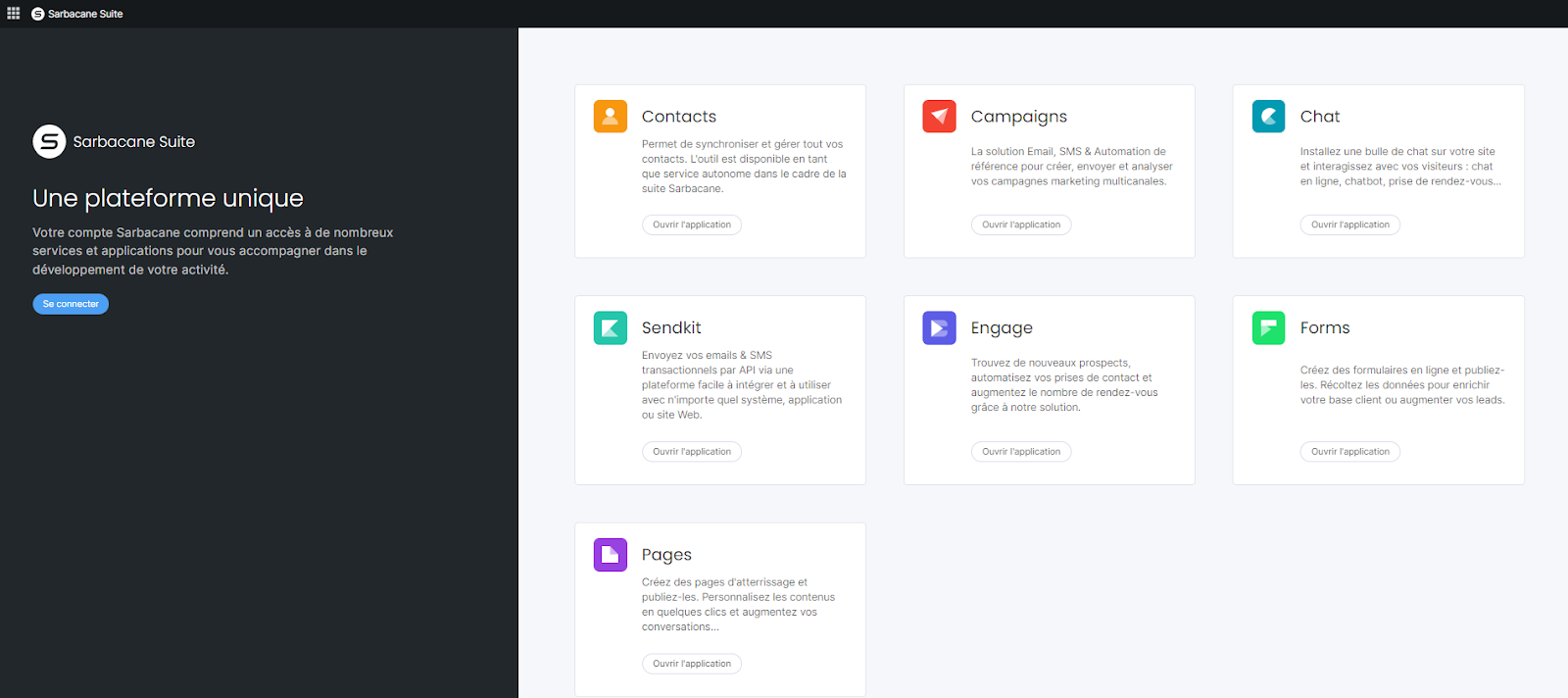
When you log in to Sarbacane, you will be automatically redirected to the home page. This page contains several sections:
the upper menu
the left-hand side menu
the main screen in the center
On the left: the Bento menu lists all applications available in Sarbacane Suite
On the right: you can access your profile and account settings by clicking on your avatar
The Manage my plan button allows you to access information relating to your account, such as the number of available licenses, the number of users, credit consumption, etc. This is the section where you can manage the assignment of licenses, user groups, and associated permissions.
The main screen displays all applications available in the Suite.
If you are using a free trial account, all applications will be accessible (none of them will be greyed out).
However, if you have a subscription, you will only be able to access the applications for which you have a license by clicking the Open application button.
Applications that require a license not included in your subscription are indicated by a Get a license button. This button is only visible to the administrator. Indeed, only the account administrator can purchase a license and/or assign it to a user for one of the Sarbacane applications.
