The modification history is available in Sarbacane Campaigns, Forms, and Pages.
View the modification history of a given document, whether it is an email template, a form, or a landing page.
Restore or overwrite all or part of a creation in progress at the desired step.
The modification history allows you to display the entire modification journey without deleting your previous or subsequent actions. In this way, if the selected step is not the one you are looking for, nothing is overwritten and you can return to the latest version of the document without difficulty.
Within Campaigns, Forms, and Pages, simply click on the open book icon while editing, as shown below:
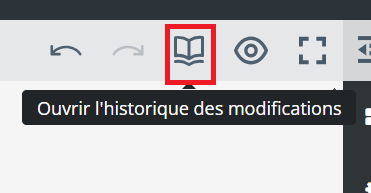
A sidebar will then open, which we examine in detail in the paragraph below.
Good to know: it is entirely possible to undo or redo the most recent action using the arrows pointing left (undo the action) or right (redo the action).
Let us take the example of an email template that has undergone numerous modifications.
I notice that the addition steps are identified by a "+" symbol and the deletion steps by a "-" symbol, both accompanied by a text indication:
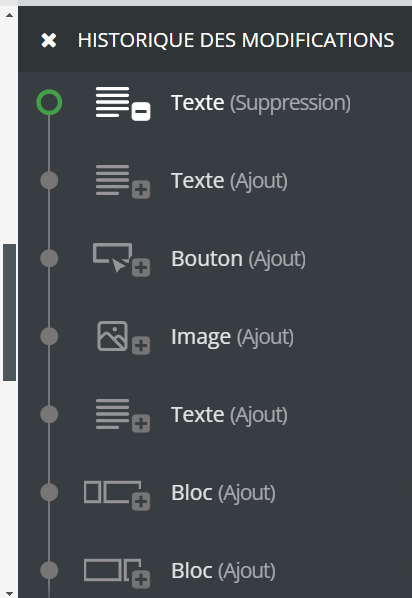
Depending on the selected step, my template being edited visually displays the progress status at the desired moment.
To return to the global editor and continue my activities, I simply click on the cross.
