The history of changes is available in Sarbacane Campaigns, Forms, and Pages.
View the modification history of a given document, whether it is an email template, a form, or a landing page.
Restore or overwrite all or part of a creation that is being designed, at the desired stage.
The history of changes also allows you to display the entire modification path, without deleting your previous or subsequent actions. In this way, if the selected step is not the one you are looking for, nothing is overwritten and you can return to the latest version of the document without difficulty.
Within Campaigns, Forms, and Pages, while editing, simply click on the open book as shown below:
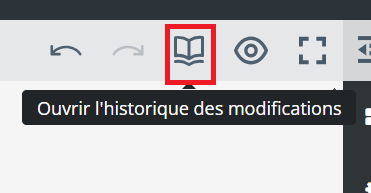
A sidebar then opens; we look at it in detail in the paragraph below.
Good to know: it is entirely possible to undo or restore the most recent action using the arrows pointing to the left (undo the action) or to the right (restore the action).
Let us take the example of an email template that has been the subject of numerous modifications.
I notice that the addition steps are identified by a “+” symbol and the deletion steps by a “-” symbol, both accompanied by a textual indication:
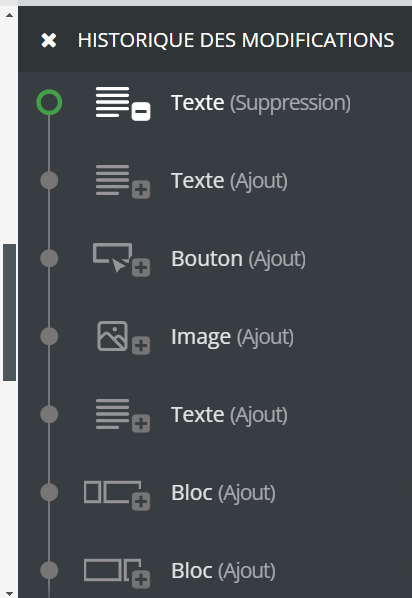
Depending on the selected step, my template currently being edited visually shows the progress status at the desired moment.
To return to the global editor and continue my activities, I simply click on the cross.
