
When you are about to make a send, several options are available:
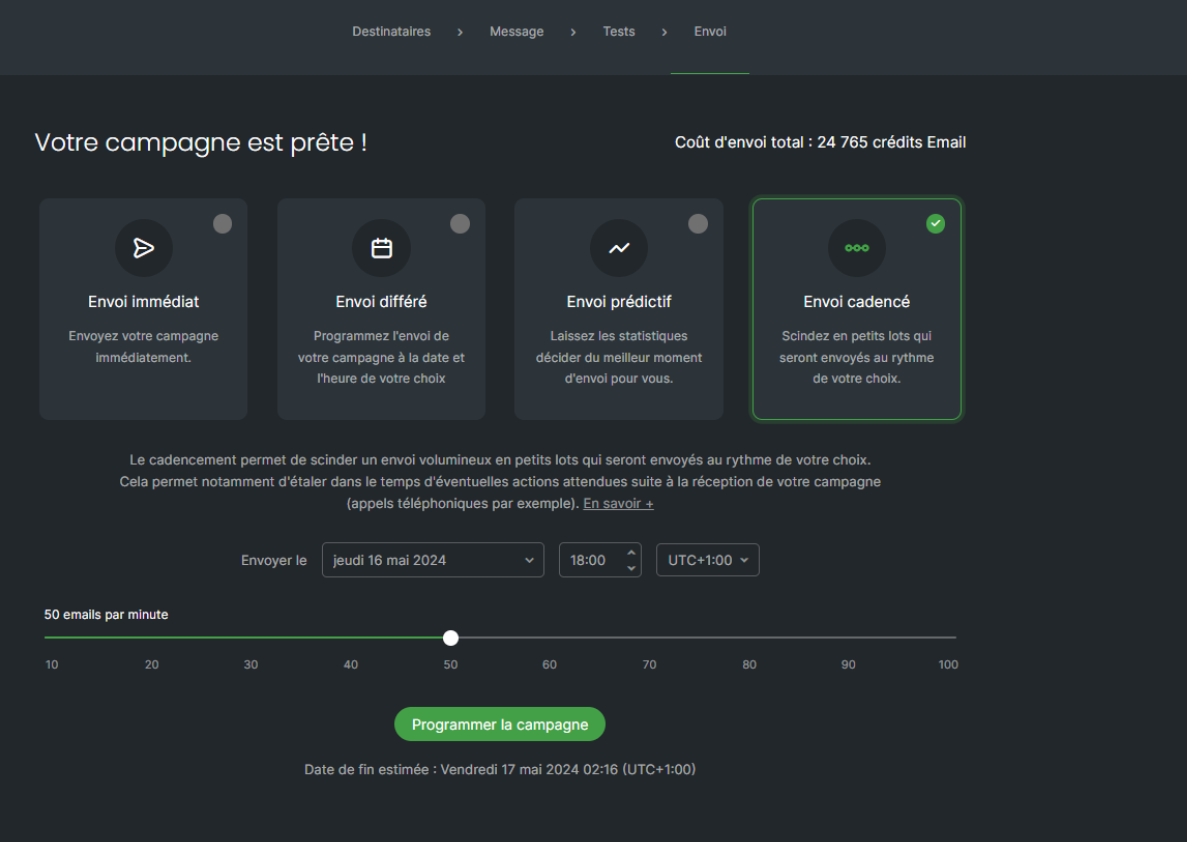
As indicated in the application, pacing allows you to send your communication in small batches over a short, defined period.
You will then select, using the slider on your screen, the number of emails to be sent per minute. Further down, the estimated end date of your send will be displayed. You can also schedule this send.
This can, for example, prove useful if you are expecting calls following the sending of your communications or visits to your website, while also allowing you to stagger the activity generated by your contacts.