You can find all your contact lists in the Sarbacane Contacts application. This application is accessible from the Sarbacane home page or from the Bento menu available at the top left of your screen on all the applications in the Suite.
What is new regarding the management of my contacts?
In addition to the redesign of the contact management interface, several new features are introduced with this new version of Sarbacane.
Multi-list contact search
Contact directory
Contact record
Multi-list contact search
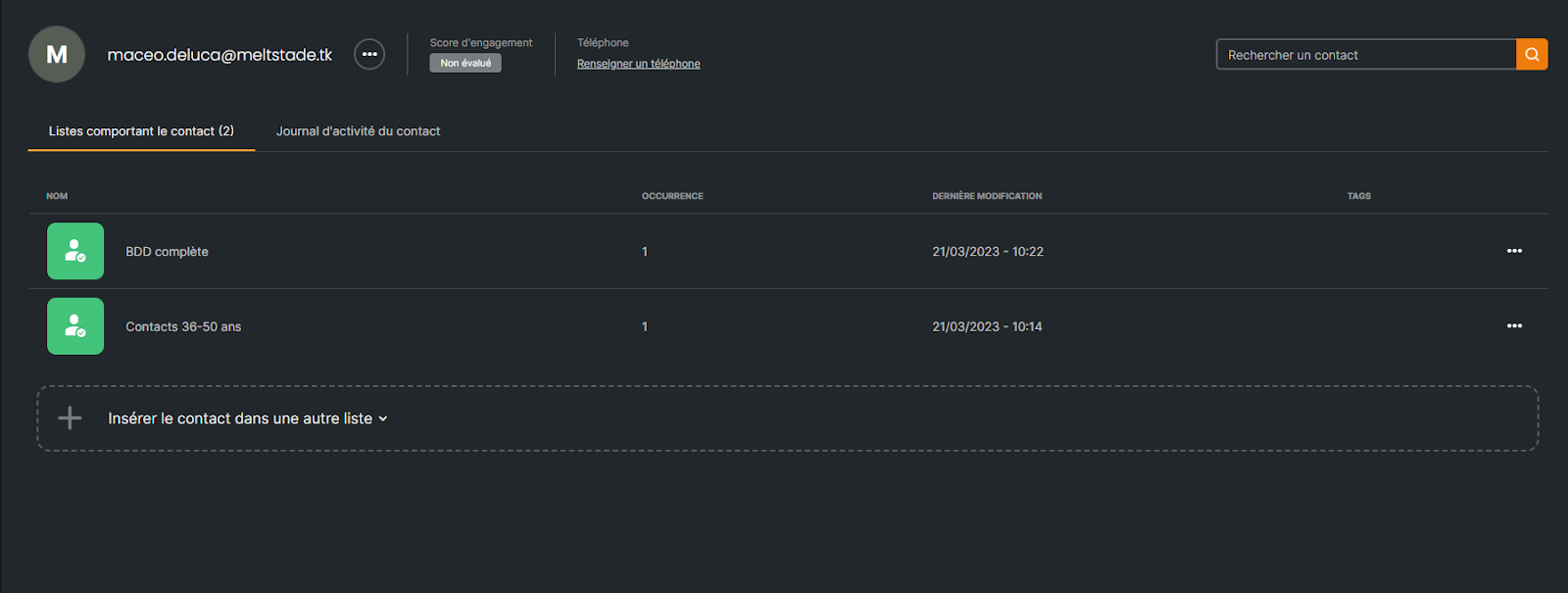
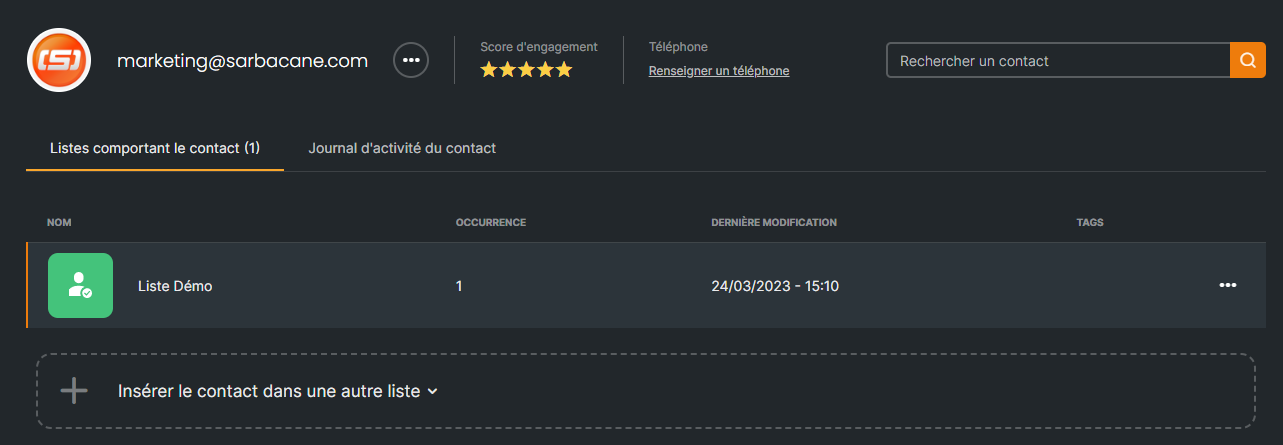
Sarbacane Contacts allows you to search for a contact and instantly see in which lists it is included. You can also add the searched contact to another list with a single click.
Contact directory
The contact directory displays the email addresses of your contacts in alphabetical order and allows you to easily find a contact to view its contact record.
Contact record
The contact record allows you to have an overview of a contact. You can thus
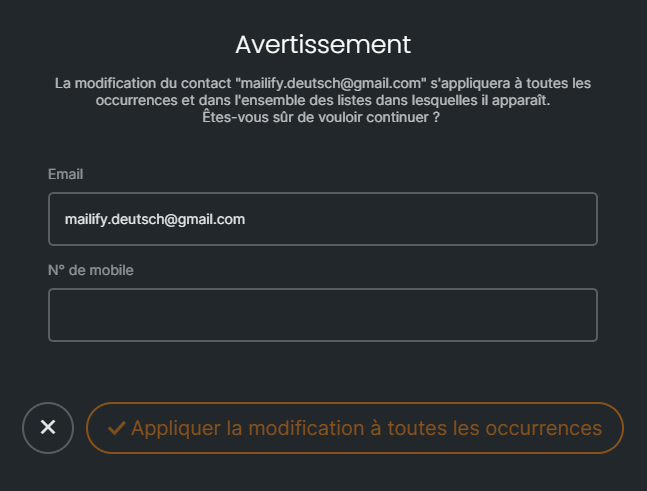
Simultaneously modify the email address in all the lists in which it appears. Ideal when a contact informs you that their domain name or their last name has changed, for example. With one click, you update the email address everywhere in Sarbacane.
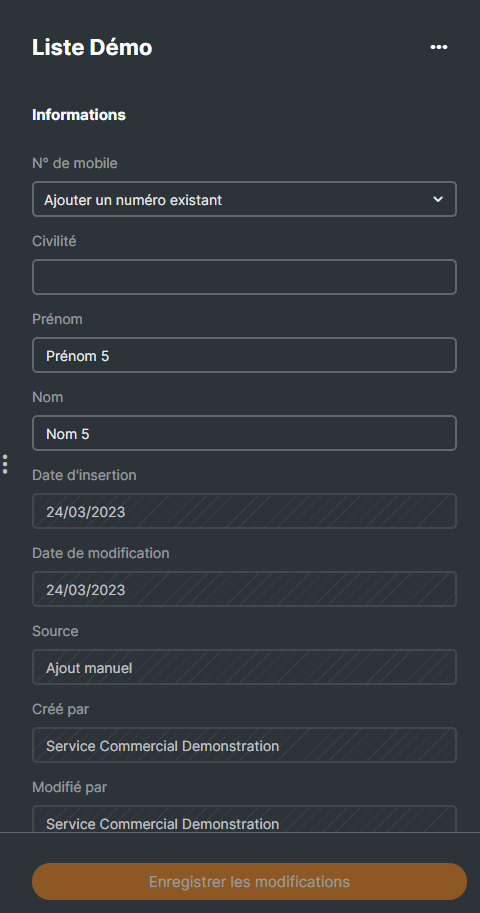
Edit the fields linked to a contact’s email address (title, first name, last name, and any other field provided in the columns of your lists). The value of these fields may differ from one list to another.
View and consult the lists in which the searched contact is included
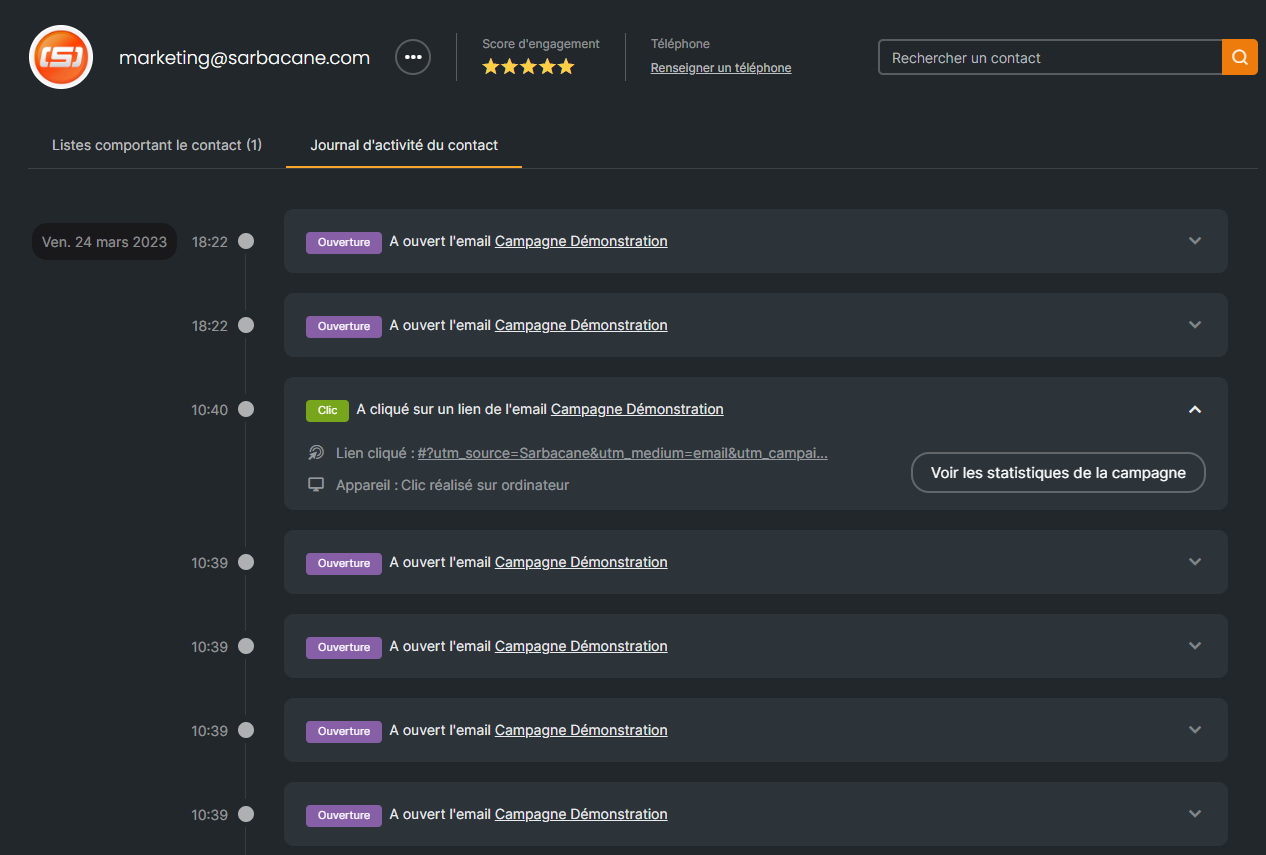
Consult the activity log of the searched contact