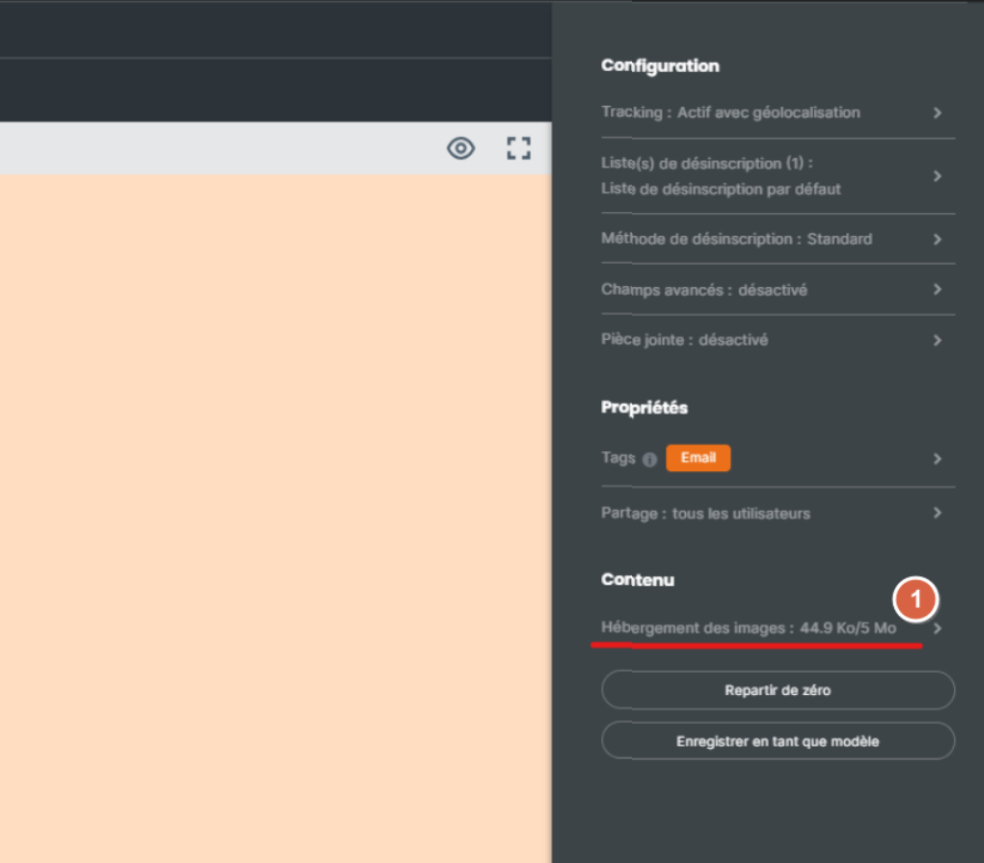
To manage your preferences, go to the “Advanced configuration” section of the editor, then click on “Image hosting”:
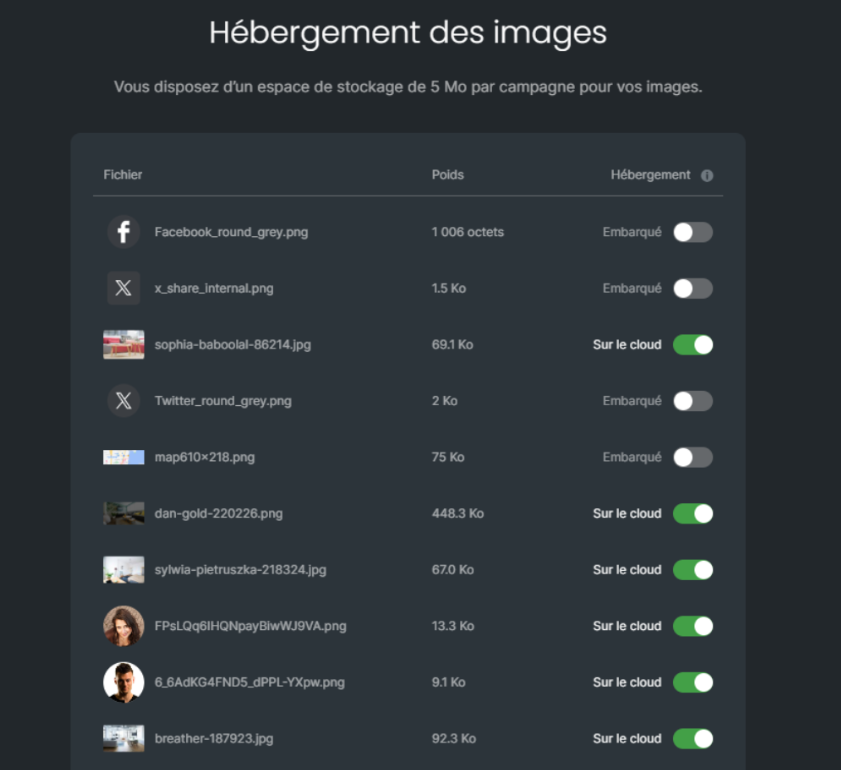
All your images are displayed, with the name, preview and size of each of them.
Two hosting options are available to you:
On the cloud
Embedded.
The Sarbacane cloud space allows you to host 5MB of images or videos for your entire message. The advantage of hosting your images on this space is that the size of your images or videos will not be counted in the total size of your message.
Good to know: ideally, a message should not exceed 194KB. Beyond this limit, a send will cost you several email credits per recipient and your deliverability will be affected.
If you choose the “embedded” option, the size of your images or videos will automatically be included in the size of your message. The advantage of this option is that it allows your image to be displayed directly without needing to download it first, as is the case in Outlook.
Expert tip:
It is possible to use both types of hosting mentioned above within the same campaign, so you can choose to keep your heavier images on the cloud.
If you communicate with professional email addresses, it may be relevant to embed your logo at the beginning of the email in the body of your message.
You increase the likelihood that your recipients will open your message, as the latter is more attractive when previewed in the email client. Once the email is opened, your recipients will be able to download the other images contained in the body of your message.
