In Sarbacane Campaigns, you add an attachment from the advanced settings of the Message step. An attachment makes the email heavier: it uses more credits and increases the risk of landing in spam. For a document, a link to the file online is often a better choice.
An email campaign being created in Sarbacane Campaigns.
The file to attach, saved on your computer, 5 MB maximum.
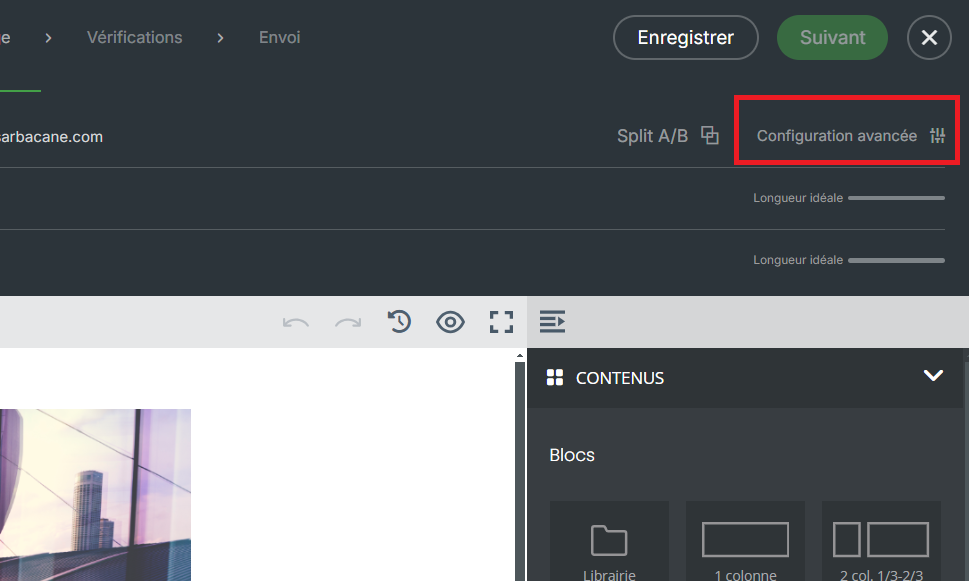
At the Message step, at the top right, below the Next button, click Advanced settings.
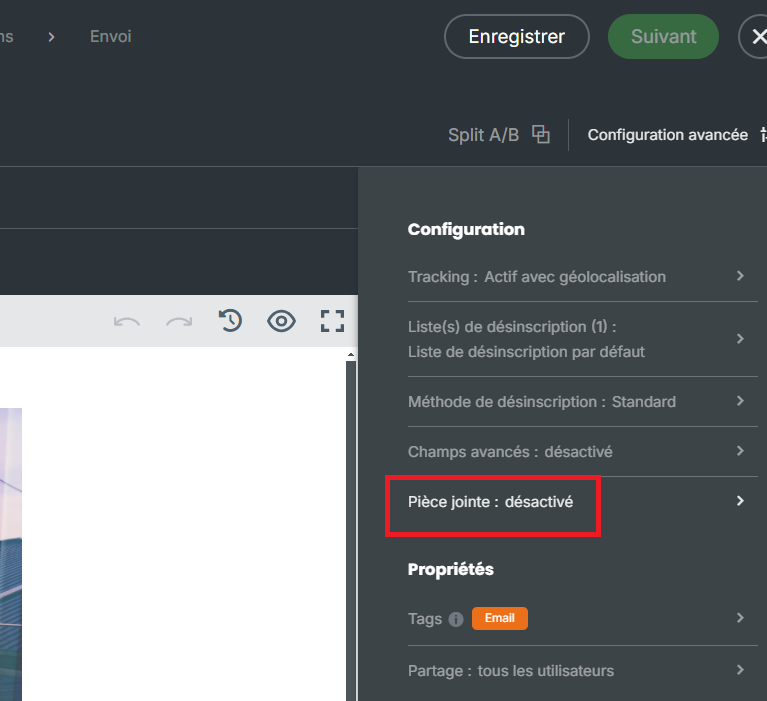
Click the attachment option.
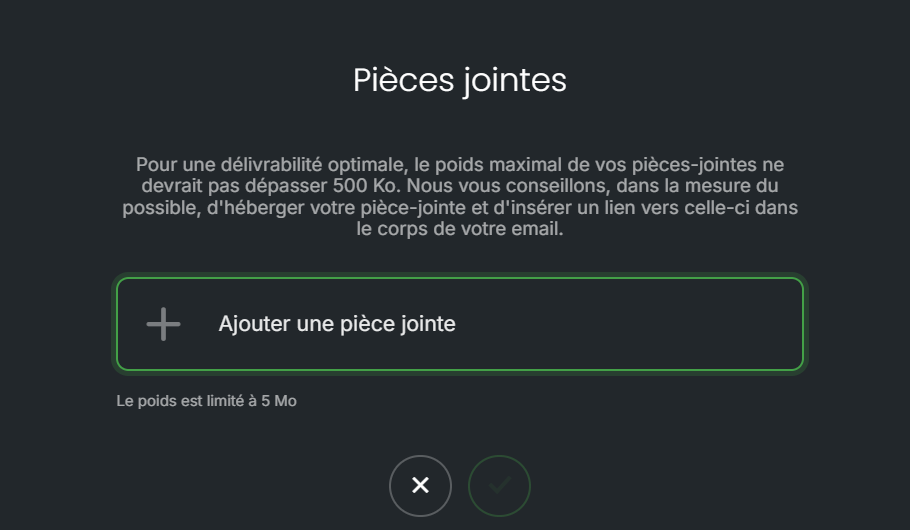
Browse the folders on your computer and select the file.
Best practice: instead of an attachment, host your file online and add a link to it on a text, button or image. The email stays light and you can see in the statistics who clicked: you can then follow up with the clickers or non-clickers.
The file name appears in the message header. It will be attached to each recipient's email.
In the message header, click the small cross next to the attachment name.
The attachment must not exceed 5 MB. Compress the file or share it with a link.
The attachment counts in the email weight: 1 credit per recipient for each 194 KB. Reduce the file size or replace it with a link (see Why does my email campaign use more than one credit per recipient?).
Some email clients, such as Outlook, can change the file extension so that it no longer opens. Share the file with a link instead.
An attachment cannot be tracked. With a link to the file, clicks appear in the campaign statistics.
