Adding an attachment is possible through a dedicated option that you can find in your campaign editing. To do this, navigate to the "Message" section of your campaign breadcrumb.
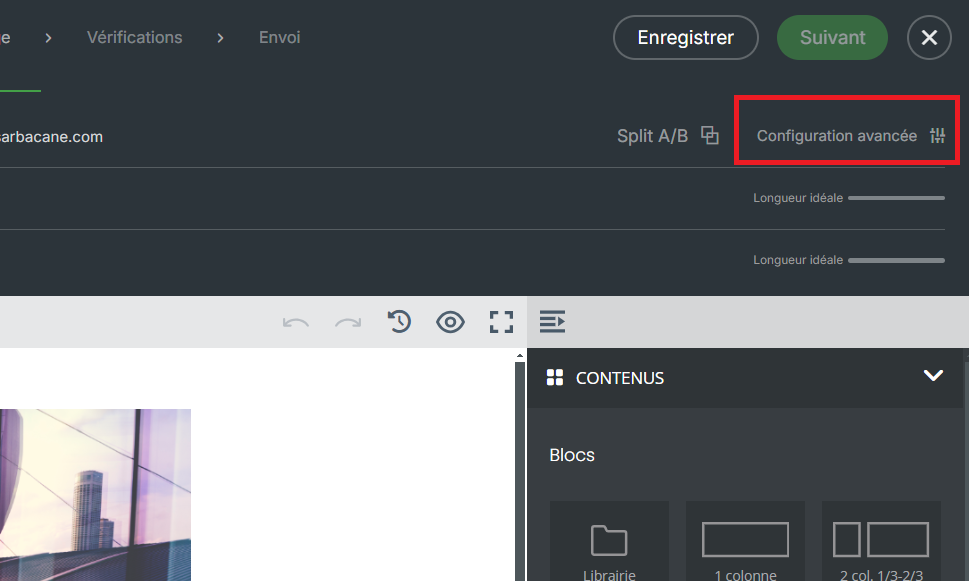
At the top right of the screen, below the "Next" button, click on "Advanced Configuration"
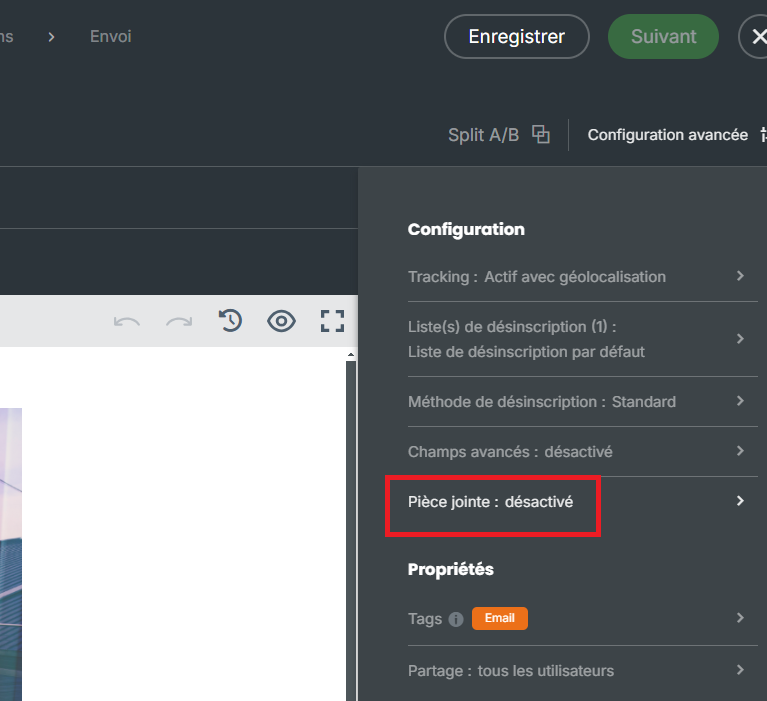
Then click on "Attachment".
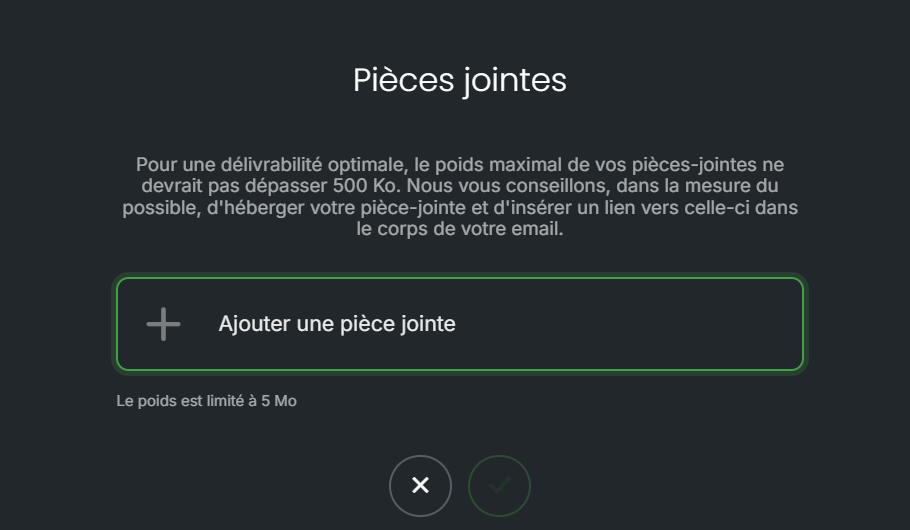
You will then be able to browse the documents on your computer and select the attachment to add to your message.
That said, adding an attachment to your message is not recommended, for several reasons:
File size: adding an attachment will significantly increase your email's weight. As a result, multiple credits per recipient may be consumed. The heavier an email is, the more suspicious it may appear to your recipients' spam filters, increasing the risk of it ending up in their junk folder.
Compatibility: some email clients, such as Outlook, may randomly modify your attachment's file extension, making it impossible to open.
Tracking: no tracking can be applied to an attachment, so you will not know who opened your document.
For these reasons, it is recommended to use a document hosting platform. Once your file is hosted, you will obtain an access link that you can configure in your message on an image, a hyperlink, or button content.
Once this link is integrated into your message, you will find in the statistics section of your campaign the users who clicked and accessed your document. Why not then follow up with those who clicked on this link to provide them with additional information, or conversely follow up with those who did not click? As always with Sarbacane Suite, multiple options are available to you!
