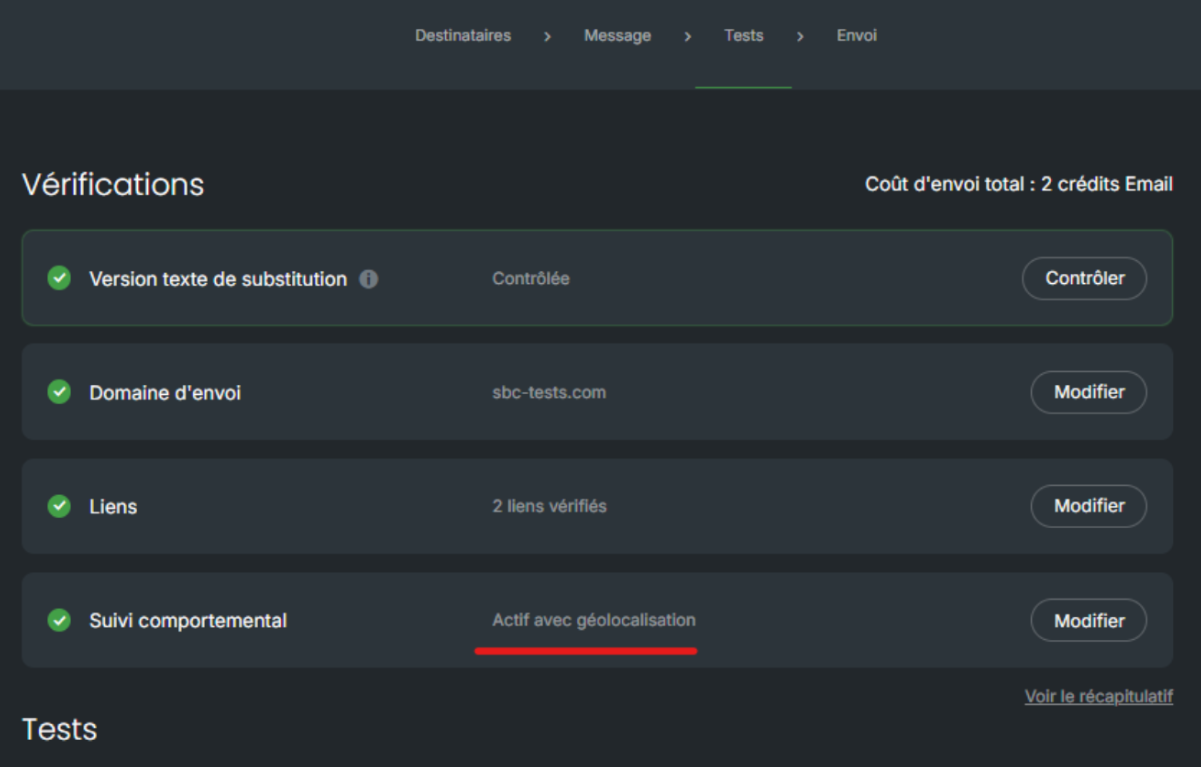
From Sarbacane Suite, you have the ability to track the behavior of your recipients once your emails have been received, and to analyze in detail all associated statistics. Behavioral tracking allows you, for example, to know who opened your communications, how many times, when, etc.
These statistical data can be activated or deactivated at any time on your account (by default, they are activated).
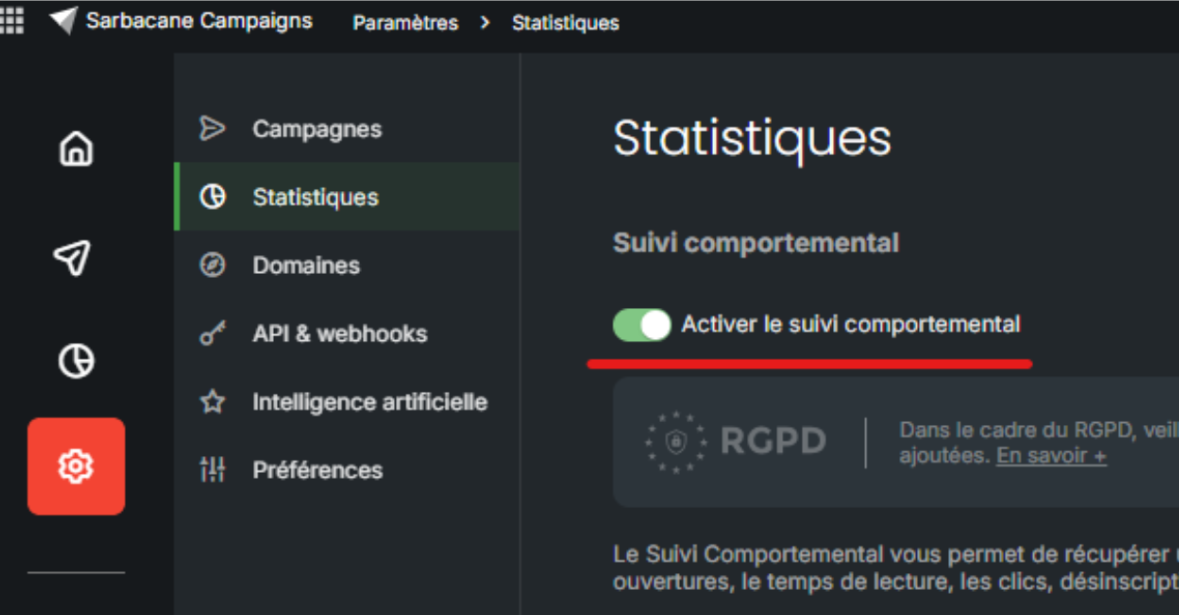
You can deactivate behavioral tracking for your entire account by accessing the settings of your Campaigns application:
You also have the option to deactivate behavioral tracking only for a specific campaign.
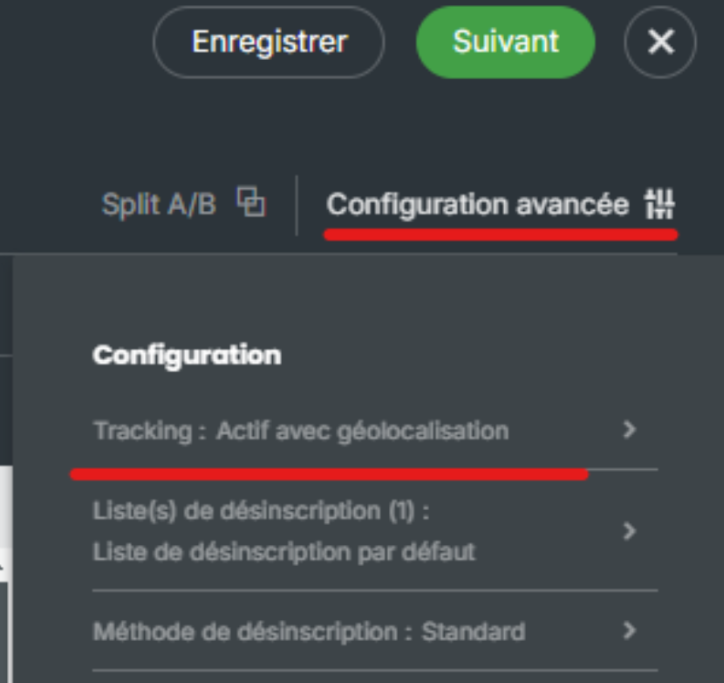
To do this, access the editing of your campaign, then go to the “Advanced configuration” section of the Message tab:
For confirmation, this information is also included in the checks performed before sending your message: