Sarbacane allows you to synchronize your WordPress contacts directly to your account.
This allows you to automatically retrieve in your Sarbacane contact lists:
Your “WordPress users” list
Your list of newsletter subscribers “WordPress registration”
Download the Sarbacane plugin. Start by downloading the dedicated WordPress plugin by clicking here.
Install the plugin on WordPress. On your WordPress dashboard, go to Plugins > Add New. Click on Upload Plugin. Select the downloaded ZIP file and then install it.
Configure the Sarbacane plugin. Once the plugin is installed, several options are available:
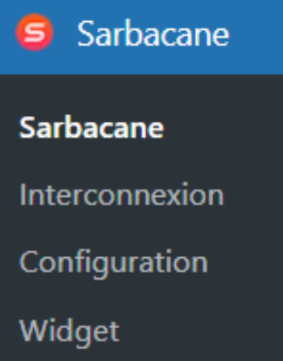
Interconnection: retrieve here the URL of your site and your linking key, required to connect WordPress to Sarbacane.
Configuration: choose the information to synchronize.
Make sure to check both contact lists if you wish to synchronize both WordPress users and newsletter subscribers.

Widget: configure the widget to allow visitors to your site to subscribe to your newsletter directly from WordPress.
4. Finally, connect WordPress to Sarbacane Suite.
From Sarbacane Suite:
Go to Contacts > Settings > Connectors.
Select the WordPress connector.
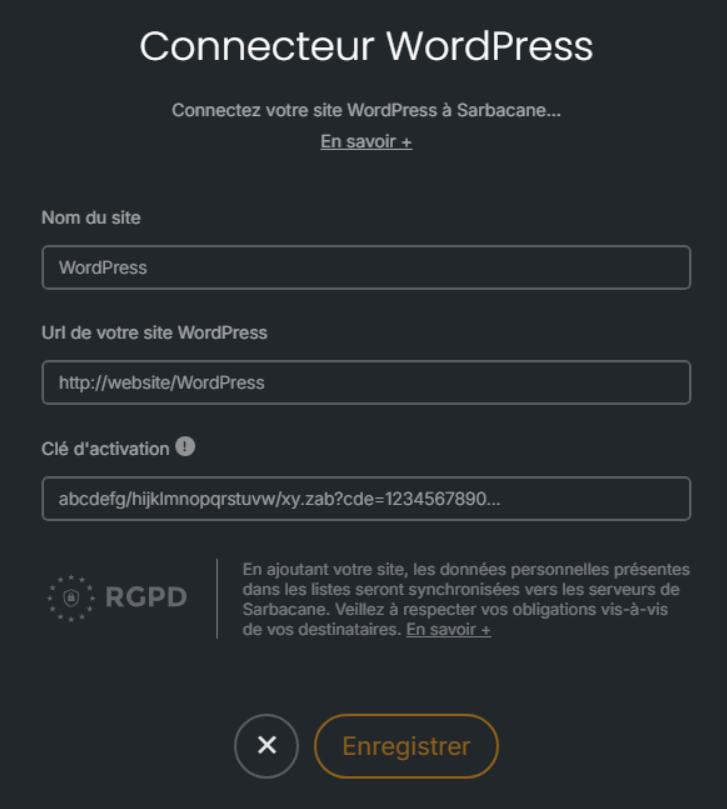
Click on Add a site and enter the information provided by the plugin (URL + linking key).
Then select the WordPress connector:
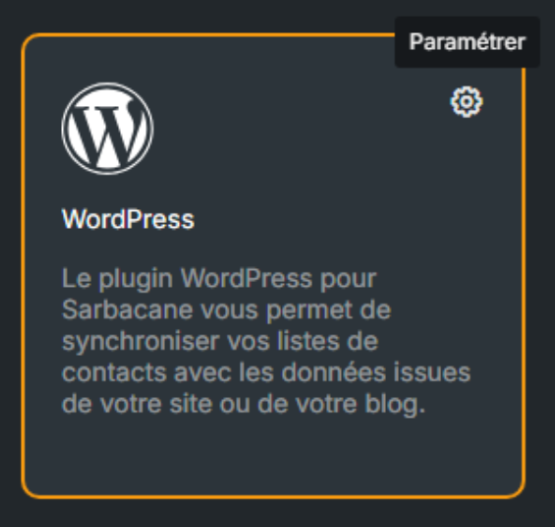
Click on “Add a site”, then fill in the requested information (provided from the plugin):
Your contact lists are now pending synchronization (this initial synchronization may take several minutes).
