Every email campaign in Sarbacane Campaigns contains two versions: the HTML version (layout, images, links) and a substitute text version, displayed by email clients set to read text only. Before sending, regenerate the text version from the HTML at the checks step: a text version that differs from the HTML can show old content and alert spam filters.
A Sarbacane Campaigns licence.
An email campaign whose content is finished.
In your campaign, in the top right corner, click Next until you reach the checks step.
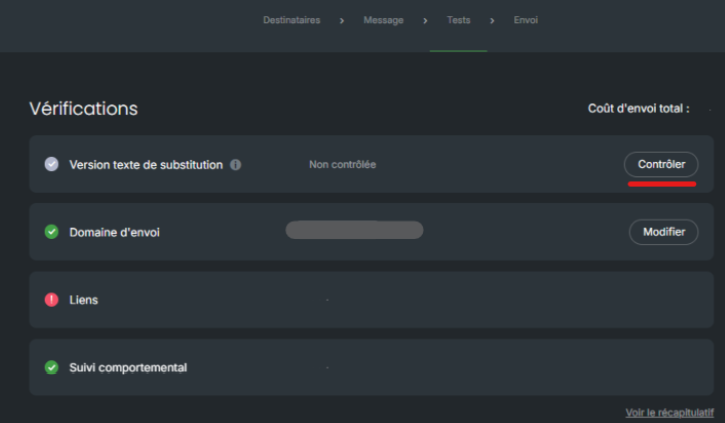
On the substitute text version line, click the check button.
Choose the option to regenerate from the HTML.
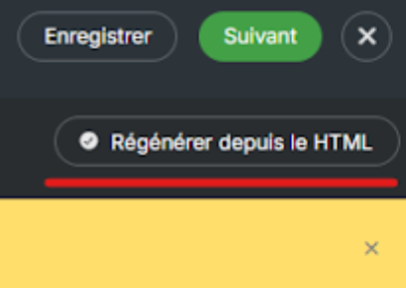
Important: if you change the content after this step, the line goes back to unchecked. Regenerate the text version again before sending.
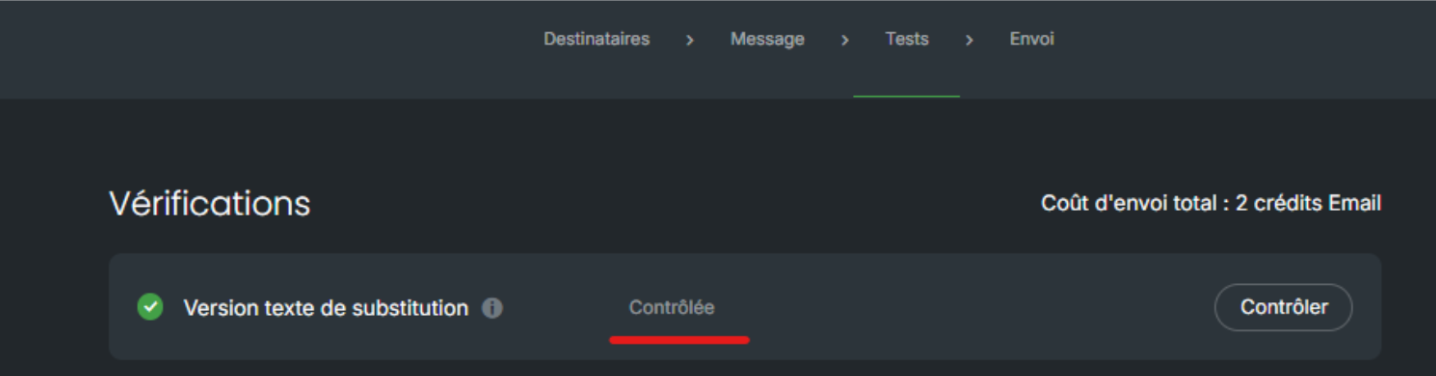
The substitute text version line shows that it has been checked. You can move on to the sending step.
Best practice: to reuse a campaign, save it as a template rather than duplicating it. A duplicated campaign keeps the old text version.
These contacts read the text version, which is still the one from the original campaign (often after a duplication). Regenerate the text version from the HTML before each sending.
