In your profile settings, you can add and modify your user information.
This profile is personal; it allows you to define the access and customization settings of the software.
To access it, click on your avatar located at the top right of the screen. It is visible from all Sarbacane Suite modules.
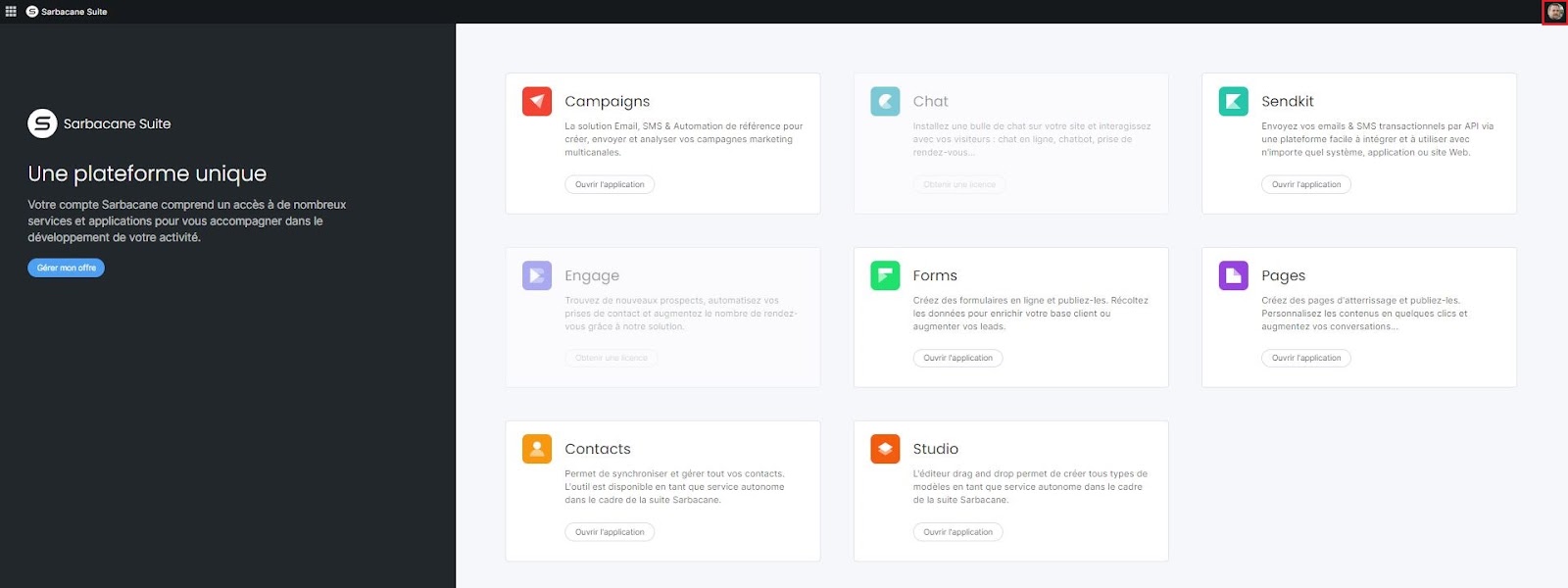
You will then be redirected to the interface for managing your profile and account settings.
Your profile settings are accessible in the “Profil” section.
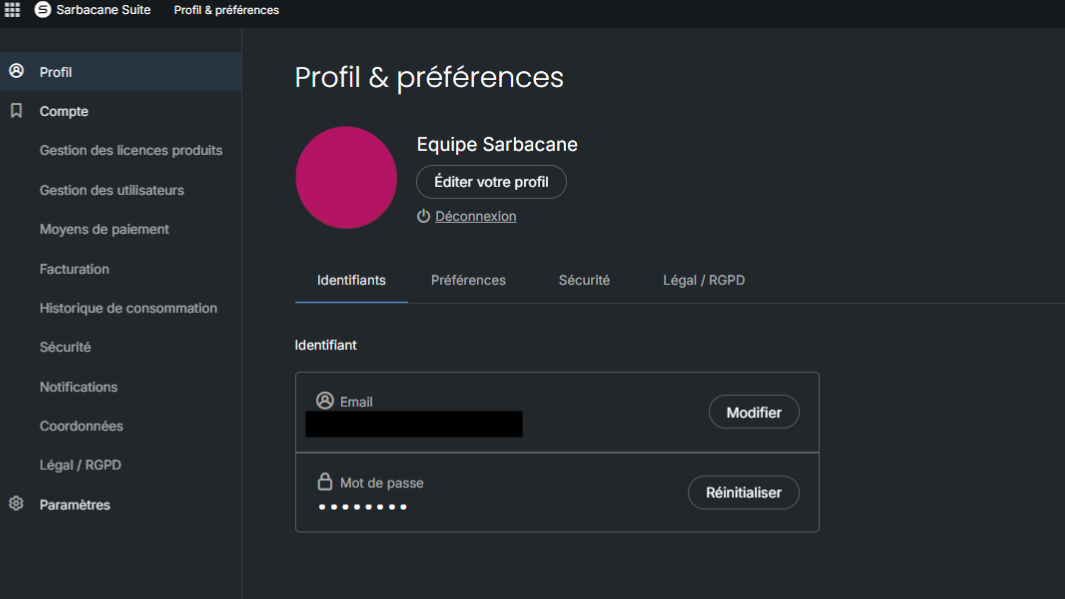
To edit your profile, simply click on the “Éditer votre profil” button.
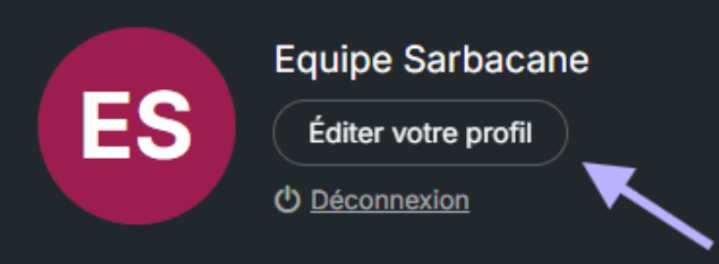
You can modify the following information: last name, first name, landline phone, mobile phone, position, as well as your avatar (profile photo).
Click the “Save” button to save the changes to your profile information.
The Identifier section allows you to view and update your login email address as well as your password.
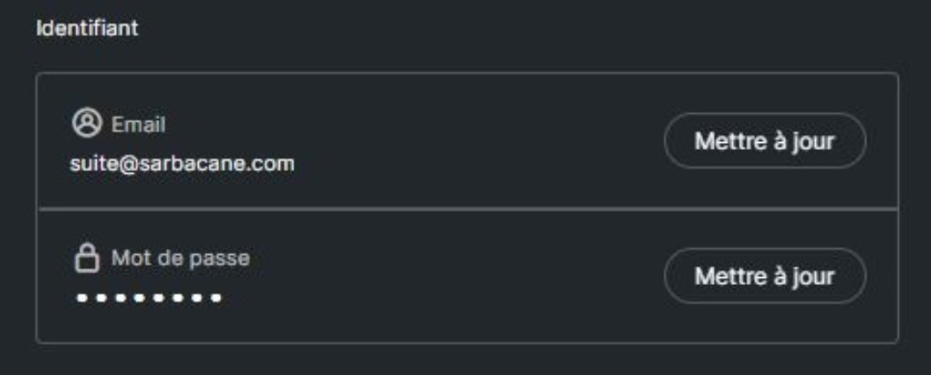
If you change your email address, an email will automatically be sent to you to activate this new address. You simply need to click on the link in this email to confirm the change.
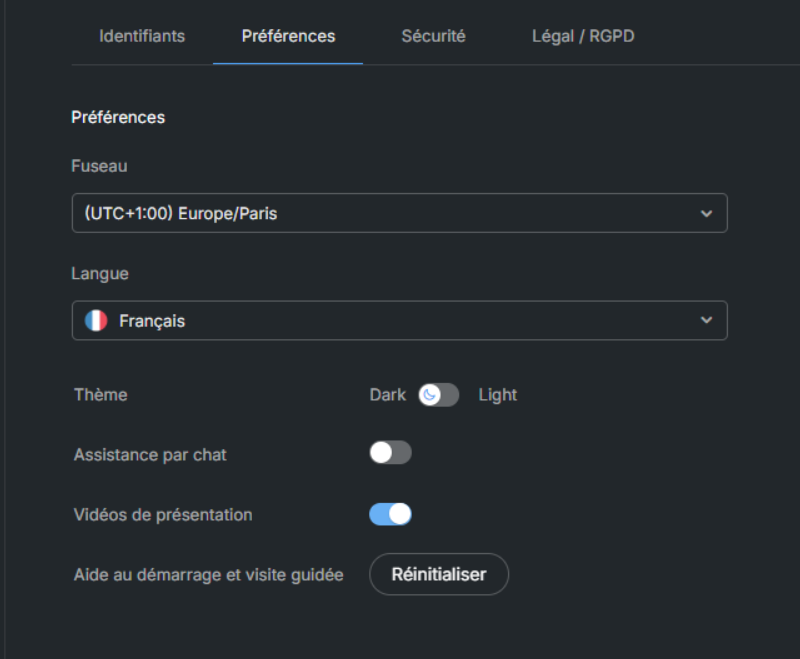
In the “Preferences” section, you can manage:
Time zone: the date and time are displayed according to the selected time zone
Language of use: French, English, Spanish, Portuguese, German or Dutch. Note that the Sarbacane Engage, Sarbacane Chat and Sarbacane Sendkit applications are only available in French and English. Other languages may be available in beta version.
The interface theme
Enabling / disabling the chat bubble
Enabling / disabling the introductory videos
The option to reactivate the guided tour of the website.
In the “Security” section, you can enable two-factor authentication to secure access to your account.
Finally, in the Legal/GDPR section, you will find the general terms and conditions of use, which you may accept or decline.
