
You can log in to a Sarbacane account in two different ways:
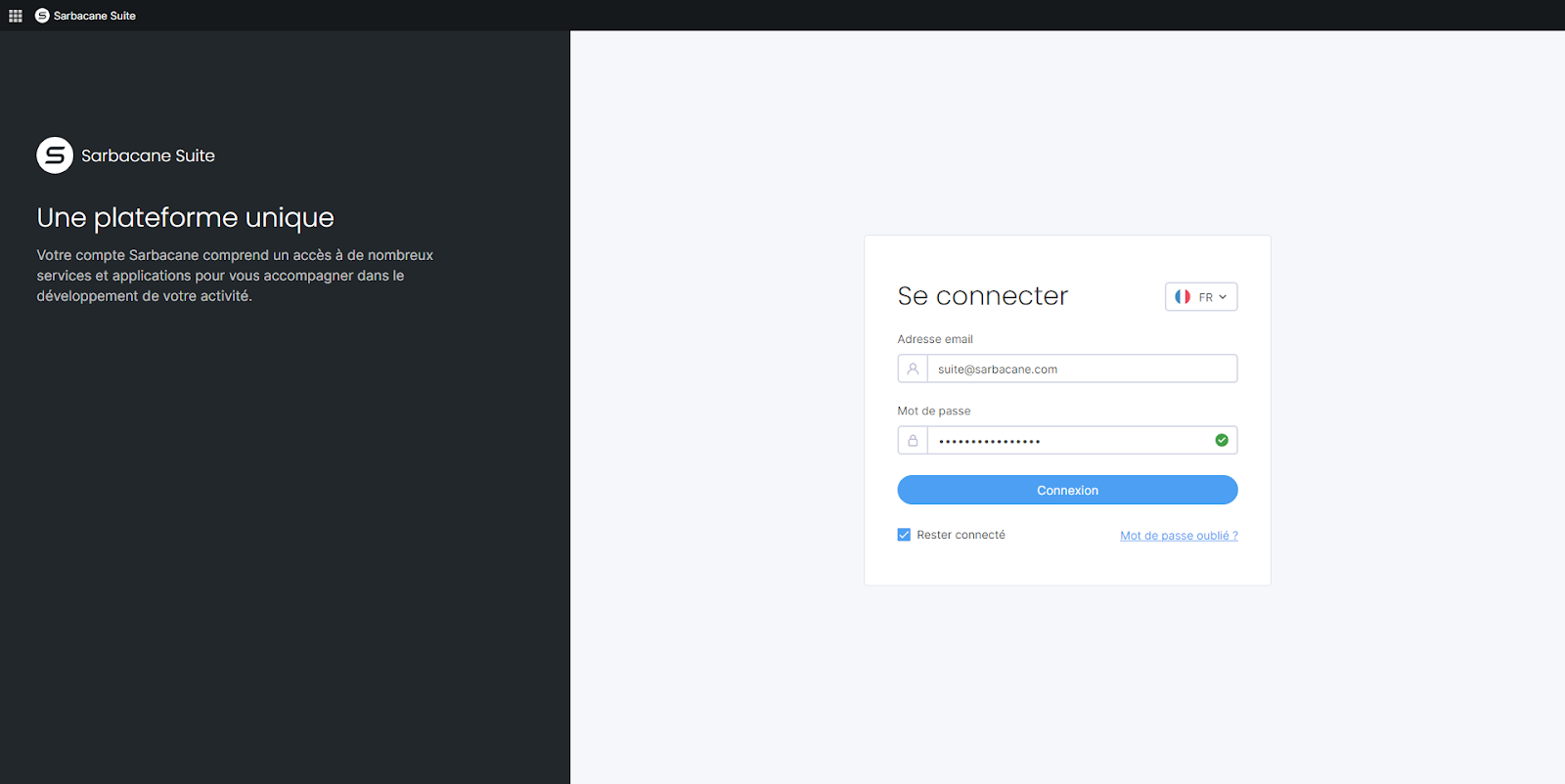
If you have your own Sarbacane account, you can log in using your credentials. You can tick the Stay logged in box to avoid entering your login information each time you launch the application.
If you are invited to a Sarbacane account, for example by one of your colleagues, you can access their account simply by creating a password. To do this, you must click on the invitation link you received by email and follow the instructions to create your credentials. You will not need to create your own Sarbacane account.
If you have access to several Sarbacane accounts, you will need to select the account you wish to log in to once you have entered your login credentials.
In both cases, you can access the Sarbacane login page via: account.sarbacane.com
We hope this guide will help you log in easily to your Sarbacane account. If you have any questions, please do not hesitate to contact our customer service department.