To log in to your Sarbacane account, open account.sarbacane.com and enter your email address and password. If a colleague invited you, start with the link you received by email to set your password.
An active Sarbacane account (email address and password), or an invitation email sent by an account administrator.
If two-factor authentication is enabled: access to your mailbox to receive the code.
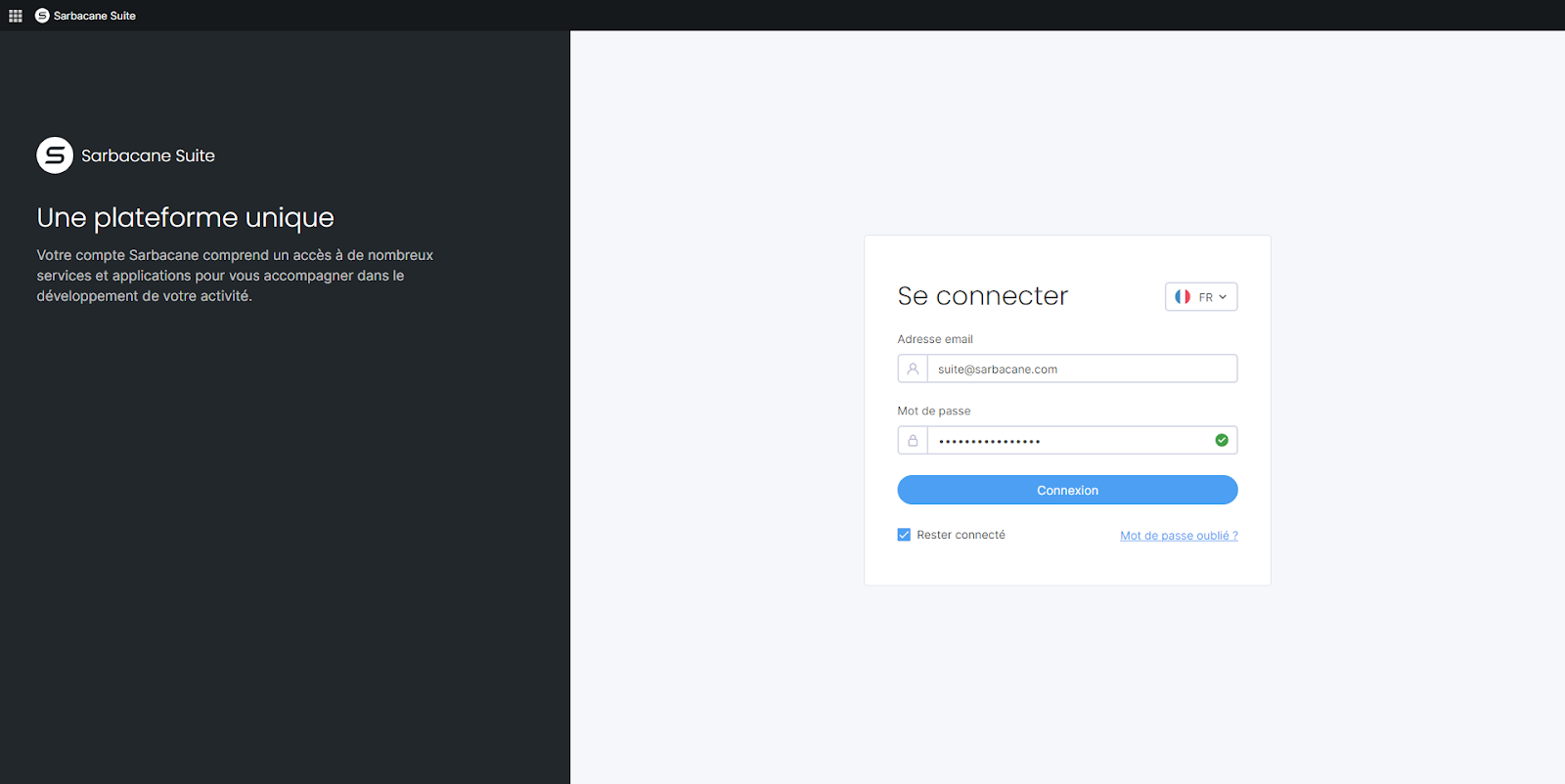
Open the login page account.sarbacane.com.
Enter your email address and password.
(Optional) Check the Stay logged in box so you don't have to re-enter your credentials.
Click Log in.
If two-factor authentication is enabled, enter the code you received by email.
Note: avoid Stay logged in on a public or shared computer.
In your inbox, open the invitation email.
Click the invitation link.
Set your password by following the on-screen instructions.
Log in at account.sarbacane.com with your email address and this password.
Enter your credentials, then click Log in.
In the drop-down list, choose the account you want to open.
Click Confirm.
You land in your Sarbacane account, on the applications you have access to. After an invitation, you see the resources shared with you, without having created a separate account.
Check the spelling of your email address. If it changed recently, use the new address. If you forgot your password, follow I forgot my password. What should I do?
Check your spam folder and the address the invitation was sent to. Otherwise, ask the account administrator to click Resend invitation next to your invitation.
Check your spam folder, then check that the address you entered is the one linked to your account.
