Creating a rule allows you to select which lead event in noCRM triggers one or more automated actions in Sarbacane Engage.
You can also add conditions that act as filters so that if the lead does not match the filters, the automation stops.
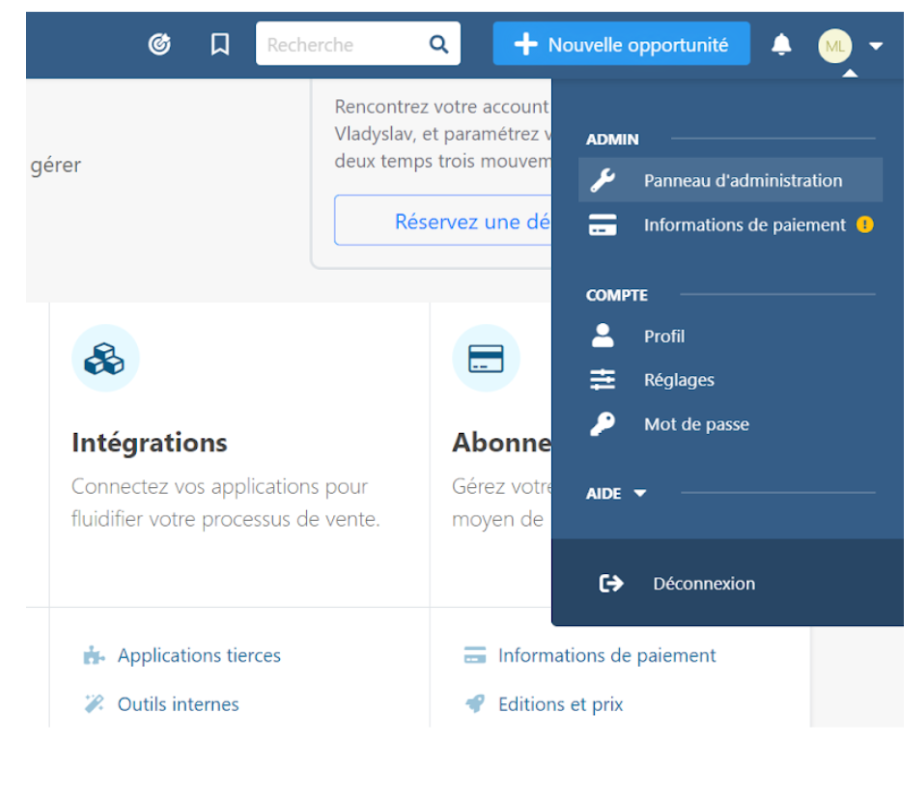
Click on “Admin Panel”, then “Third-party applications” and select “Sarbacane Engage”, ensuring that the API connection is valid.
Then fill in, in order and via the drop-down menus:
lead.any_update (any lead update)
lead.assigned (lead assigned)
lead.commented (comment on lead)
lead.content_has_changed (lead content modified)
lead.creation (lead created)
lead.deleted (lead deleted)
lead.email.received (e-mail received by lead)
lead.status.changed.to (lead status changed to)
lead.step.changed.to (lead stage changed to)
lead.unassigned (lead unassigned)
lead.manual.trigger (manual lead trigger)
Tag
Status
Owner.
Create a contact
Subscribe the contact to the list
Unsubscribe the contact from the list.
Good to know: if a lead does not have an email address in noCRM, it cannot be sent to Sarbacane Engage. Engage triggers actions on prospects and leads based on the rules and settings you have already defined.
