The principle is simple: depending on the tone of your prospects’ responses in Sarbacane Engage, automatic actions can be performed within your opportunity pipeline.
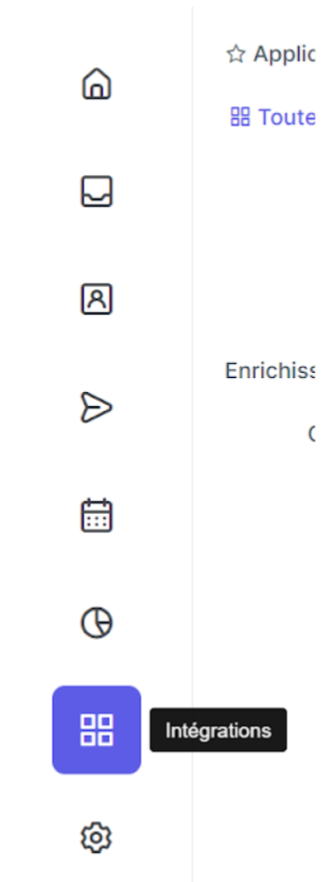
Go to Sarbacane Engage, then click on “Integrations”.
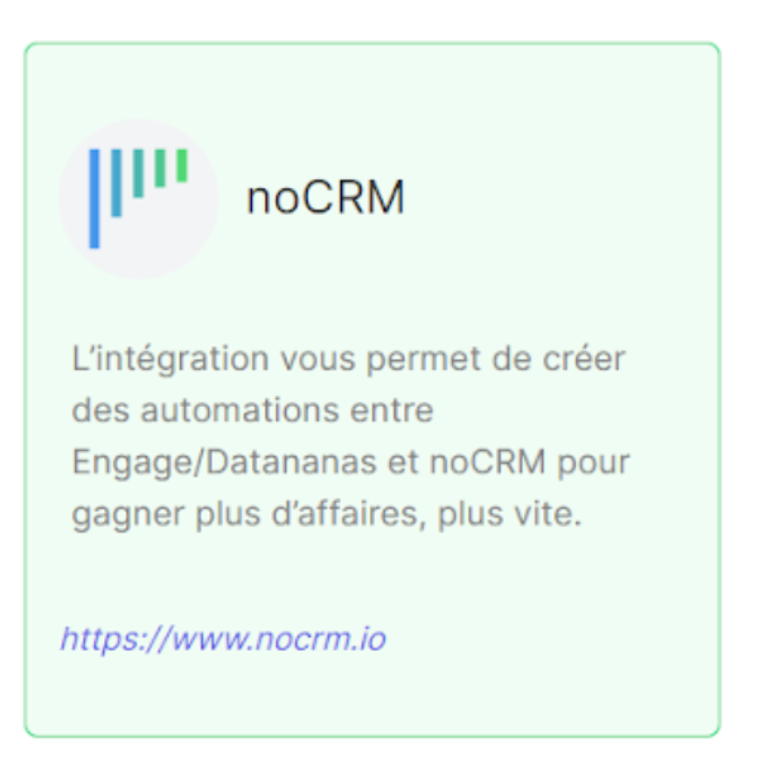
Select noCRM from the list that appears:
This screen then appears (on first load, everything is unchecked):
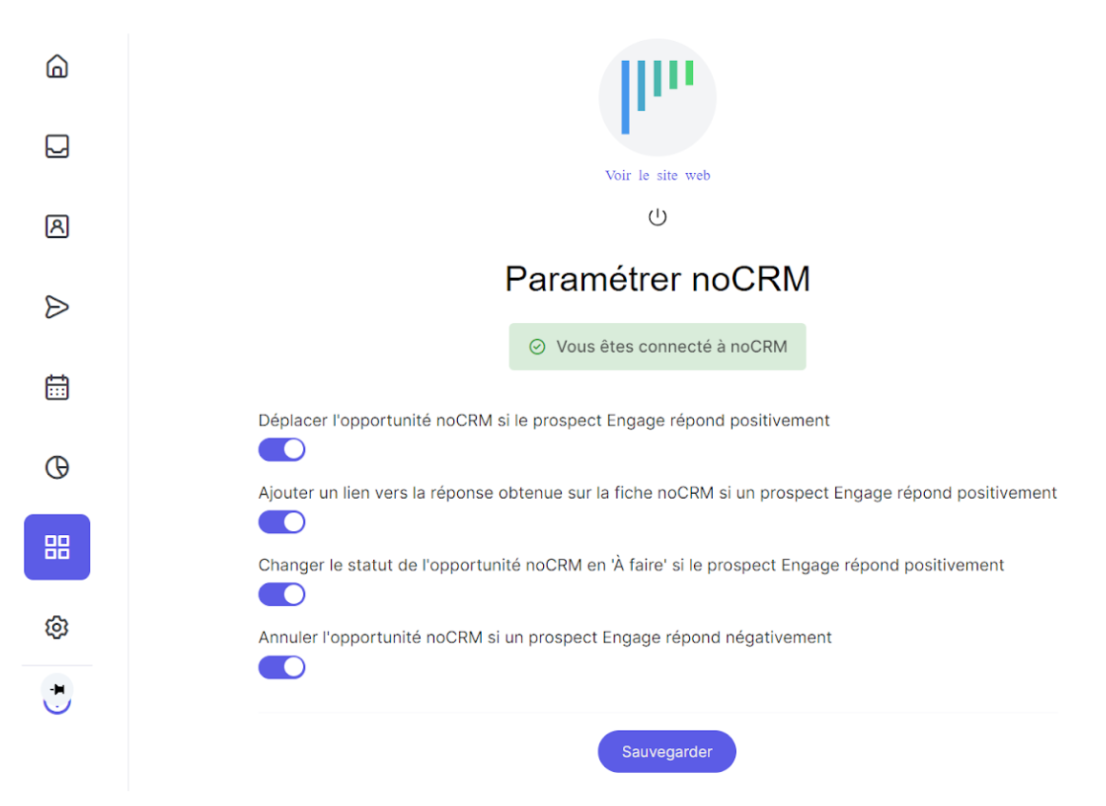
Four actions can be selected in Sarbacane Engage to automate the management of your opportunities, via the screen already shown above:
Move the noCRM opportunity if the Engage prospect responds positively.
Add a link to the response obtained in the noCRM record if an Engage prospect responds positively.
Change the status of the noCRM opportunity to 'To do' if the Engage prospect responds positively.
Cancel the noCRM opportunity if an Engage prospect responds negatively.
