
On Sarbacane Engage, go to “Contacts”, available in the left sidebar.
Then click on “New contact” using this button, available in the top bar:
After selecting “noCRM” from the list, a new page is displayed.
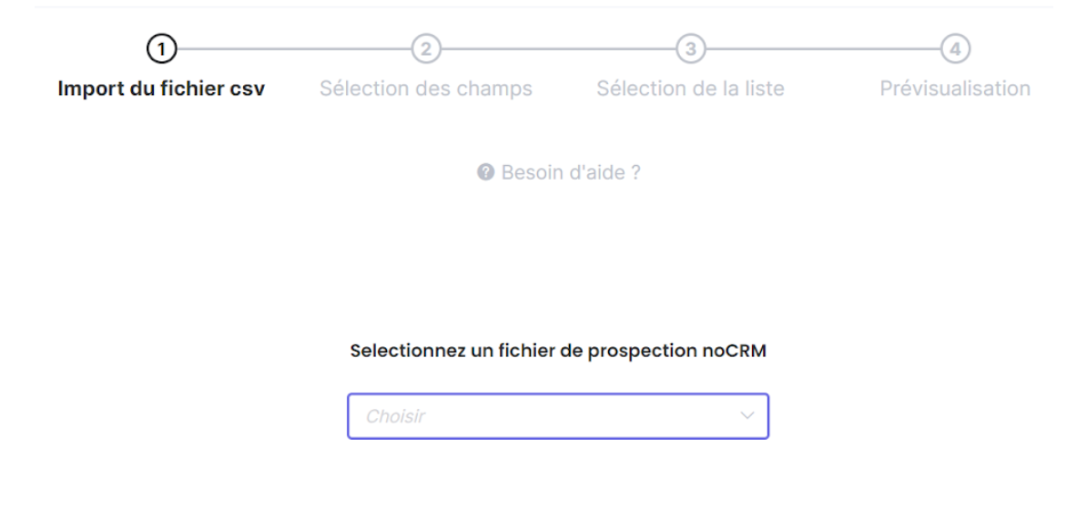
Then simply use the drop-down menu to select the noCRM contact list that you wish to import into Sarbacane Engage, and then review your import step by step before confirming it.