If you have a Sarbacane account, log in to your account. On the homepage, click on the blue “Manage my plan” button located on the left-hand side of your screen.
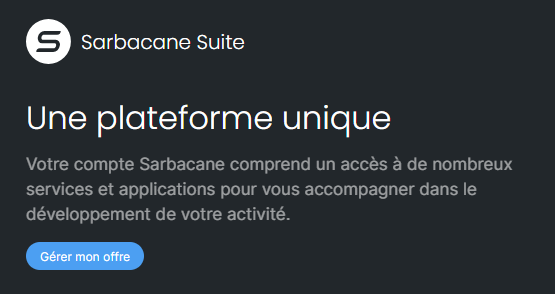
You will then be redirected to the overview of your current plan (trial or paid plan, as the case may be) in your account settings. Click on “Product license management” in the left-hand side menu. You will then be redirected to the product license management window.
To purchase a Suite license, click on the “Purchase a license” button in the section dedicated to the Suite.
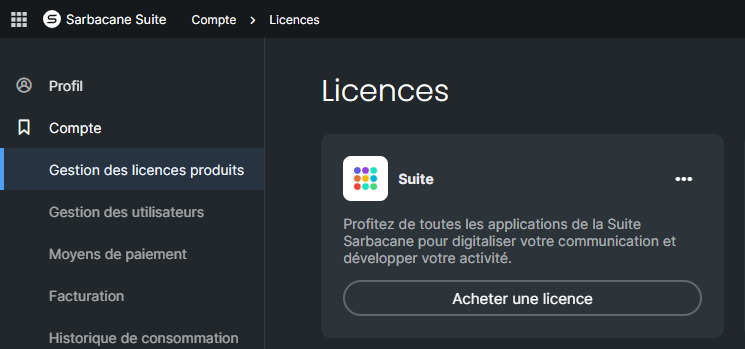
If you wish to purchase à la carte licenses for one or more applications, click on the action menu of the application that interests you and click on “Purchase a license” in the dropdown menu.
In both cases, you will then be redirected to our online store to finalize your order.
You will then have the possibility to add additional licenses, change the email and/or SMS volume (if you choose Campaigns or Sendkit, which require consumables), and adjust the desired level of support.
Follow the steps to finalize your order.
Please note that your license and your credits will be available in your account once the order has been validated.
