The Sarbacane signature is automatically displayed at the bottom of the content of your email campaigns when you have a free trial account.
Once you have become a Sarbacane customer, the Sarbacane signature is disabled by default. It will therefore no longer appear in your email campaigns.
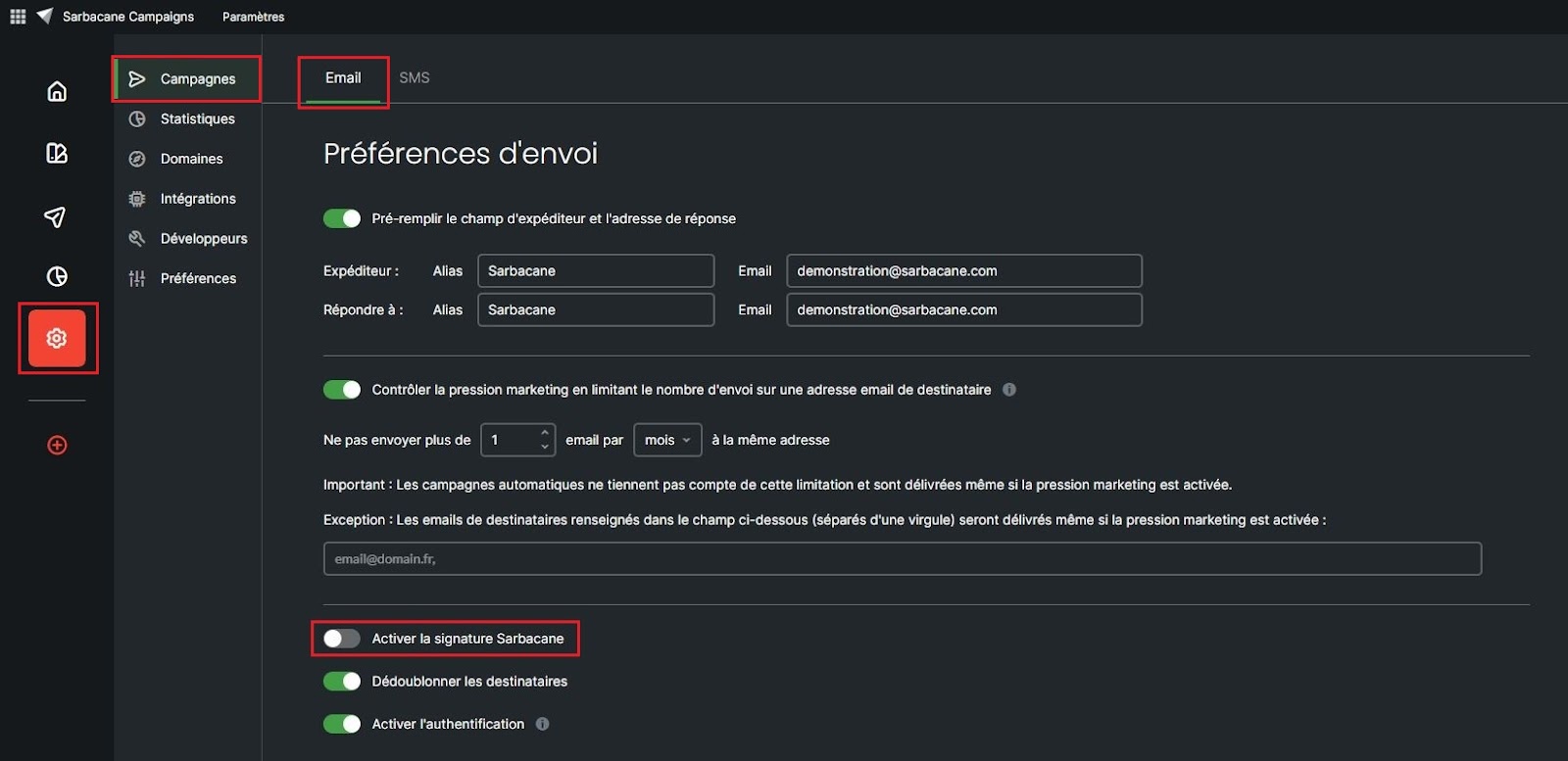
However, if you wish, you have the option to manually enable/disable this signature.
To do this, go to the settings of the Sarbacane Campaigns application, in the “Campaign” section, in the “email” tab. In the “Sending preferences” section, check/uncheck the “Enable Sarbacane signature” box. That is all there is to it!