You noticed that the sender email address of your message does not match the one you specified when creating your campaign, but instead looks more like “@ip05.rp12.net”?
First of all, it is important to understand that sending an email via Sarbacane or any other emailing platform is different from sending an email from your usual mailbox.
With a professional or personal address, your domain name is predefined (whether it is a custom or generic domain, such as gmail.com, orange.fr, etc.).
When you send an email via Sarbacane, it is essential to be recognised as a trusted sender in order to prevent your messages from being classified as spam. By default, Sarbacane’s shared domain names are used.
If the sender is not correctly defined, your emails are more likely to be classified as spam. This prevents recipients’ servers from identifying you as a trusted sender.
You already have a domain name, but you added it manually in the sender address of your message. In this case, if you click on the sender address, this is what is displayed, the domain appears as a single block:

To resolve this, click on the drop-down menu available to you, the small downward arrow to the right of the sender address. There you can select your domain name and the display will be as follows: the domain is properly split into two parts, the part before the @ and the part after the @, which contains your domain name:

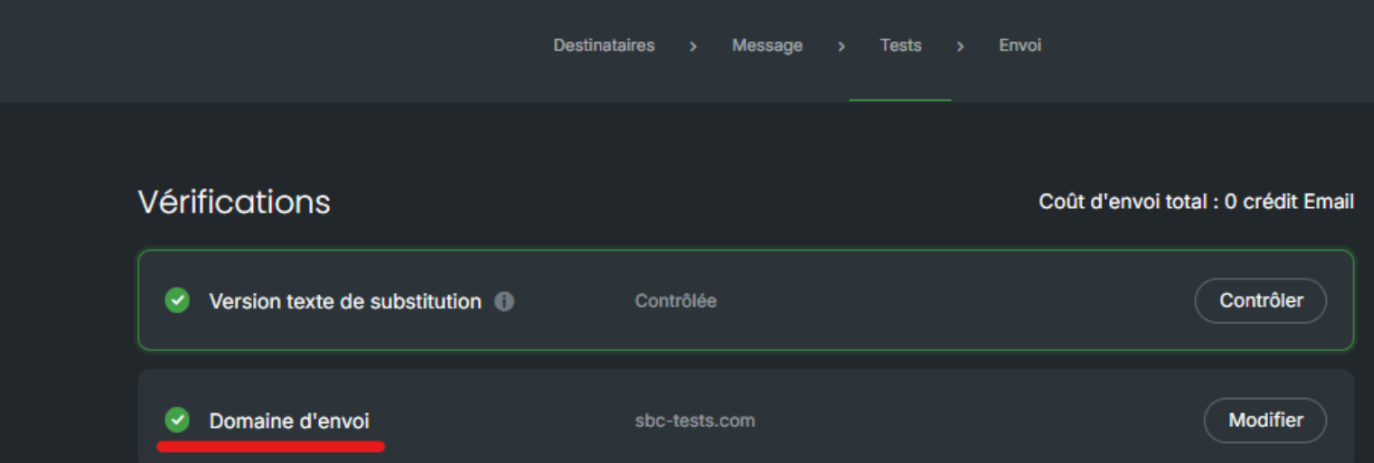
In the Tests step, a final check is also carried out to indicate whether you have correctly selected your domain name:
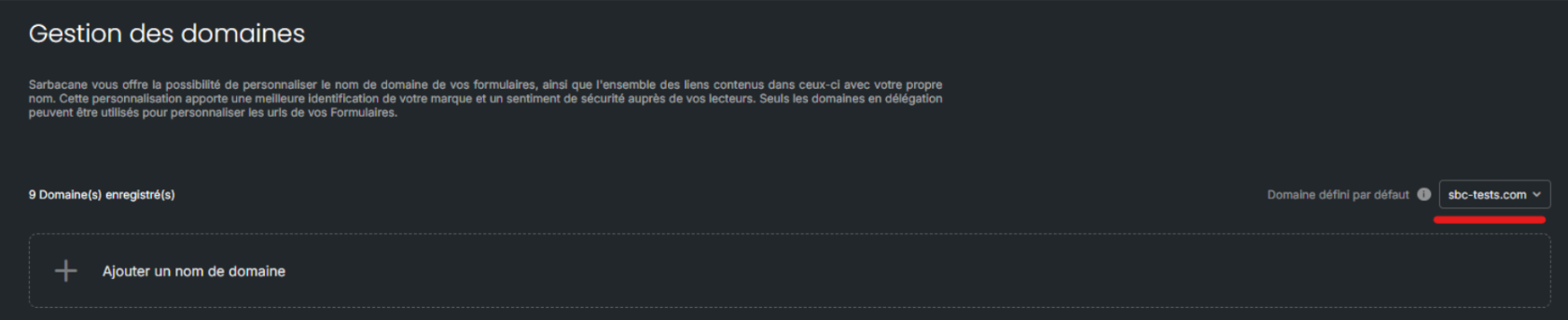
Ideally, you should set your domain name by default on the domain management page. In this case, all your mailings will automatically be sent with the defined domain:
If you do not have a domain name, you can then reserve a domain name or create a subdomain from your existing domain.
