
Several cases are possible:
If your account administrator requires two-factor authentication for all accounts:
You do not need to do anything: two-factor authentication is enabled by default and cannot be disabled.
If the administrator does not require two-factor authentication:
You can choose to enable it for your account only, and disable it later whenever you want.
Here is what to do:
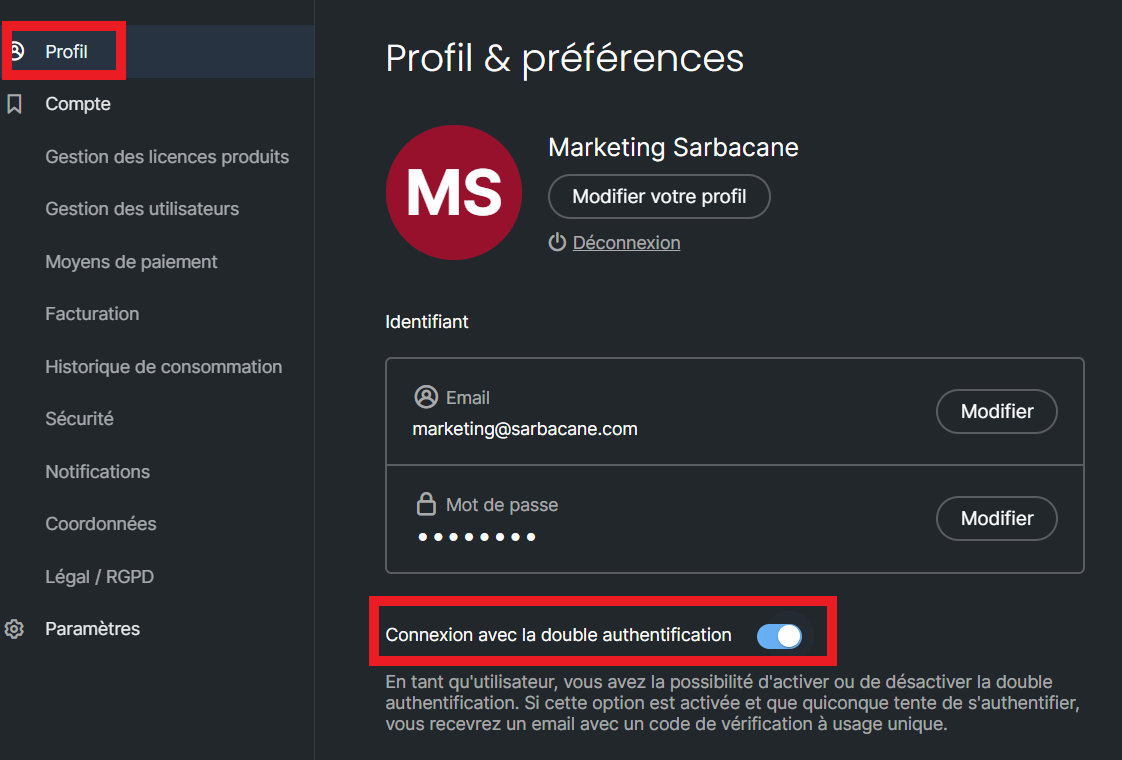
In the top-right corner of the screen, click your avatar: the Profile & preferences page opens.
Click the Authentication tab.
To the right of Log in with two-factor authentication, click the toggle. If it is greyed out, two-factor authentication is disabled. Otherwise, it is enabled.
Note: if your account administrator enables and then disables the feature, you need to enable it manually for your user account by following the steps above.