Two-factor authentication adds a security code to each login to your Sarbacane account: after your password, you enter a code received by email. Even if someone knows your password, they cannot log in without access to your mailbox.
It is not enabled by default.
Each user can enable it for their own access.
The owner or an administrator can require it for all users. Users can then no longer disable it.
Have access to the mailbox linked to your Sarbacane account.
What happens at each login:
On account.sarbacane.com, enter your email address and password, then click Log in.
A screen asks you for a code.
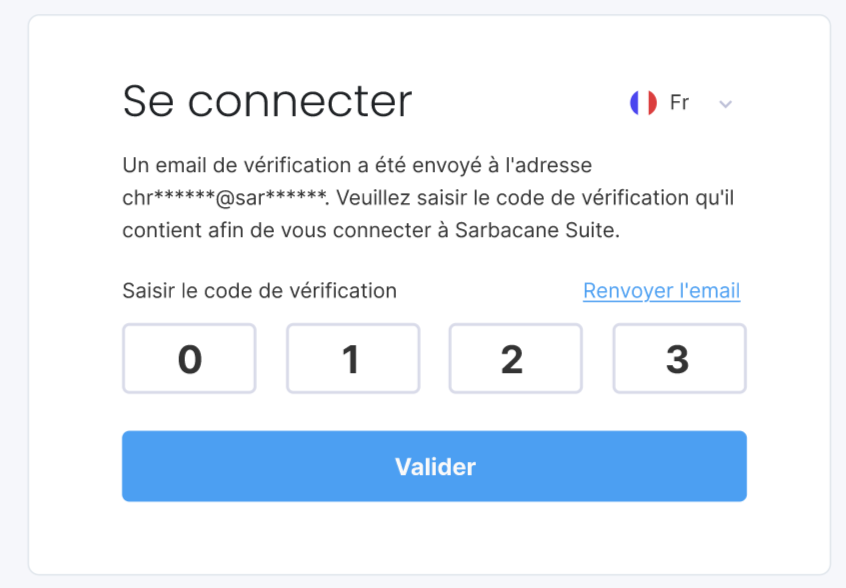
In your inbox, open the Sarbacane email that contains the code.
Enter this code on the login screen, then click Confirm.
You access your account as usual. The code will be requested again at each new login.
Check your spam folder, then check that the address you entered is the one linked to your account.
An administrator requires it for all users of the account. Only they can lift this requirement.
An administrator turned off the requirement, which also disables it for each user. To keep it, enable it again yourself.
