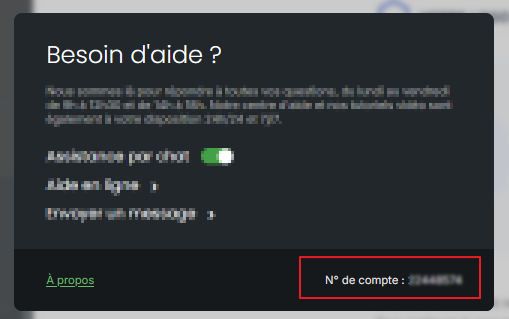
Your customer account number allows support and your advisor to identify your Sarbacane account right away. It appears in the Help window, at the top right of the screen, and on the home page of your account settings.
Be logged in to your Sarbacane account.
From the Help window
At the top right of the screen, click Help.
From the Account page
At the top right of the screen, click your avatar.
In the left-hand menu, click Account.
In the Help window: at the bottom right, your number appears after the label Account no.:.
On the Account page: your number appears below the heading “Welcome to your account,” after the label Account no.:.
Give support the email address you use to log in to Sarbacane: it can also be used to identify your account.
