All management of your templates is performed in the "Studio" section of your account.
In this section, you can:
Create templates for your emails, forms, and pages,
Organize your templates by folders,
Save reusable blocks (such as headers, footers, etc.) to facilitate the creation of your future content.
To launch a campaign from a template, go to the Campaigns tab in your account.
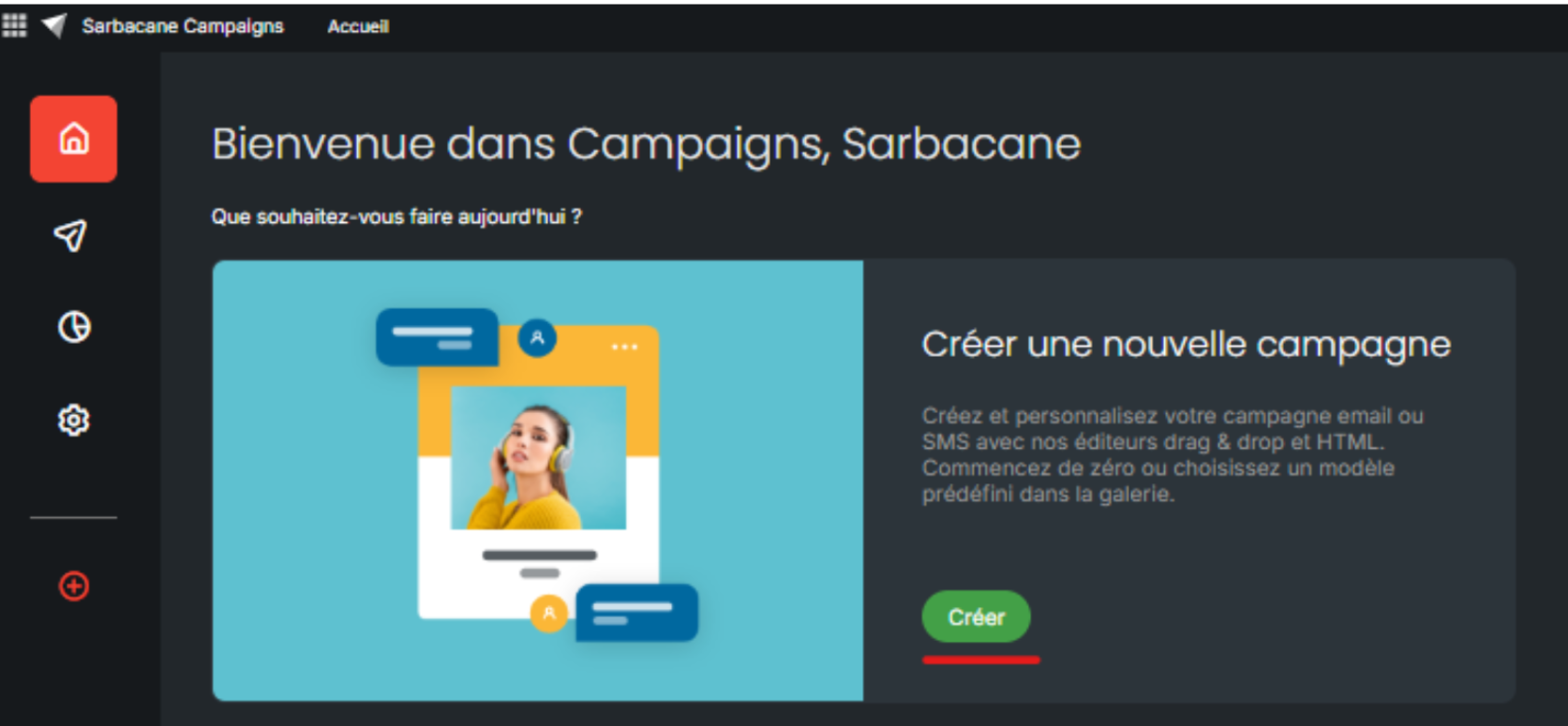
Choose the desired campaign type: Email Campaign or Automated Campaign.
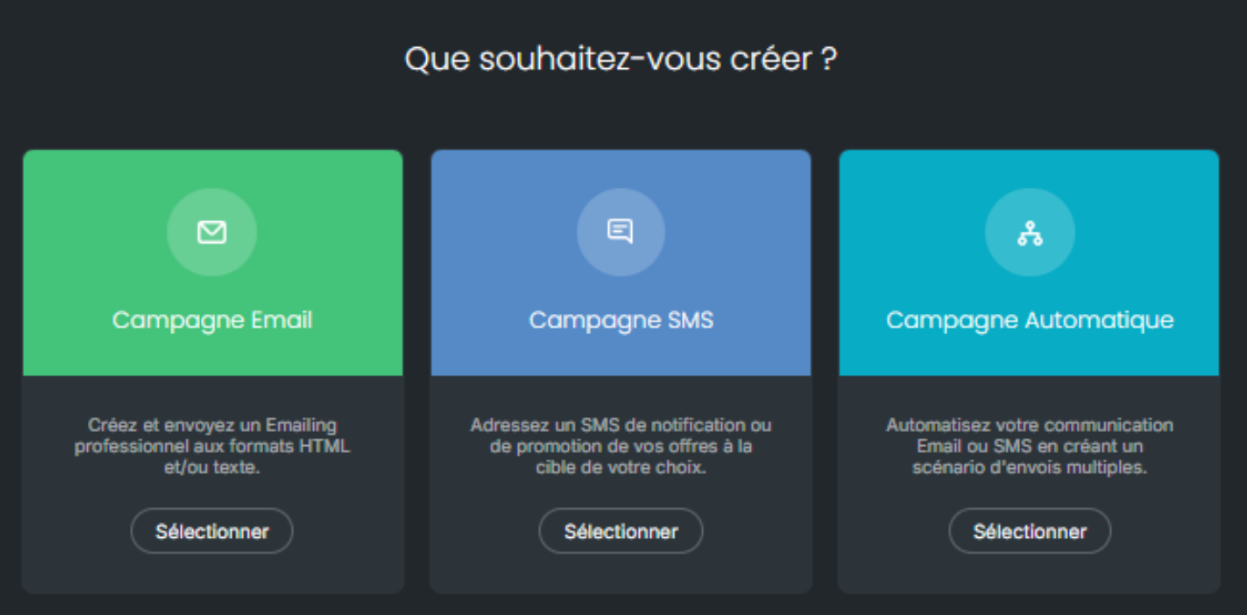
In this example, we will choose an Email campaign.
In the Message section of your creation, all your templates are displayed. You can then select the one of your choice:
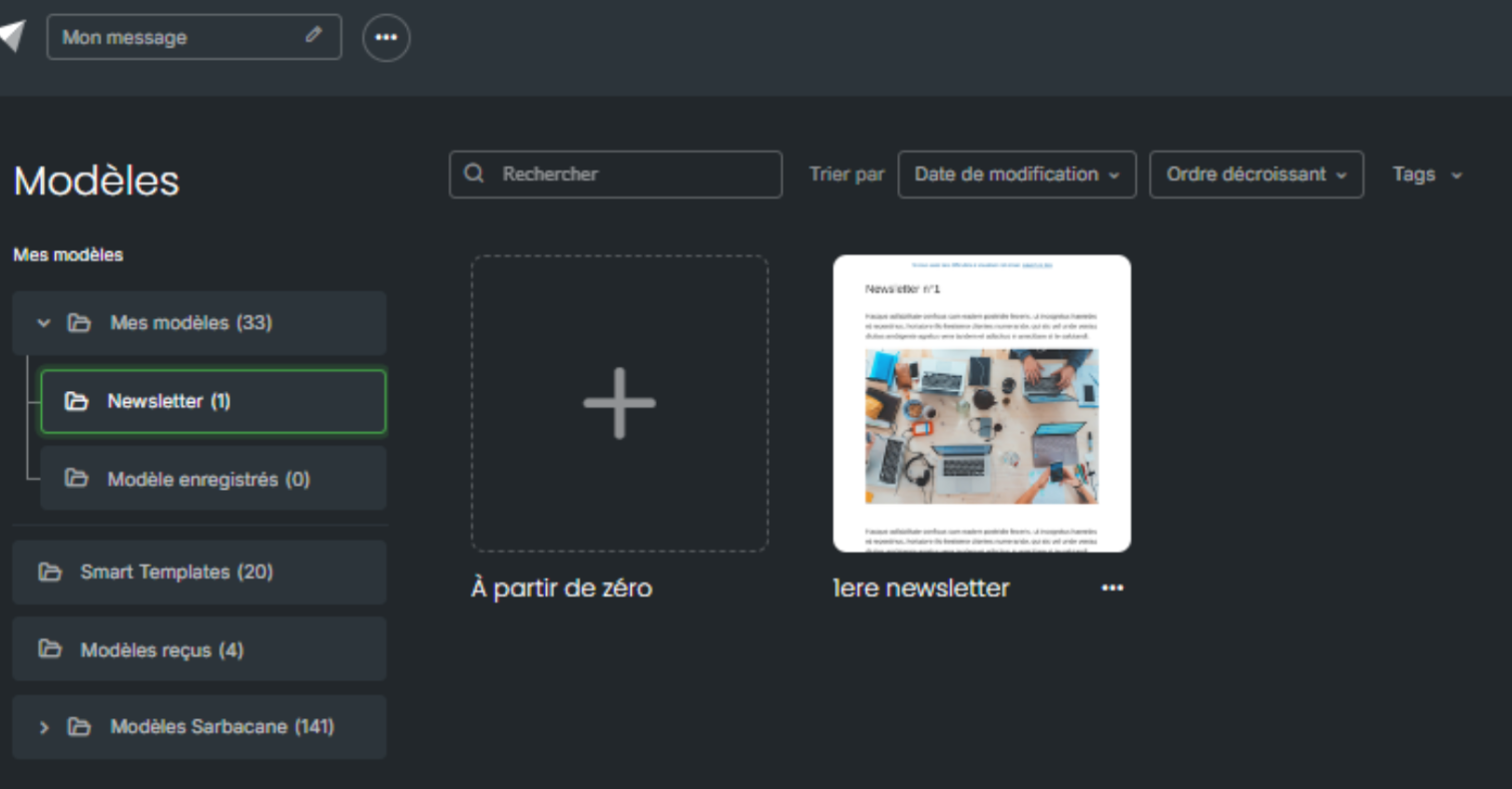
By hovering over the desired template, two options are available to you:
Use this template: the template is directly imported into your campaign. You can then configure the essential parameters (sender address, reply address, subject, etc.) and modify the content if needed.
Preview: visualize the template before selecting it to verify that it meets your requirements.
Once the template is selected and configuration is complete, you have the option to test your campaign to ensure the rendering.
All set? All that remains is to send your campaign to your contacts!
