Predictive eye tracking in Sarbacane Campaigns simulates how a reader looks at your email before you send it. With a single test, you see which areas draw attention, in what order they are read and what aesthetic score your message gets.
A Sarbacane Campaigns subscription with the Exclusive plan.
An email campaign with a finished message.
Open the campaign you want to analyze.
At the top of the screen, click the checks step.
At the bottom right, in the eye tracking panel, click the button that launches the test.
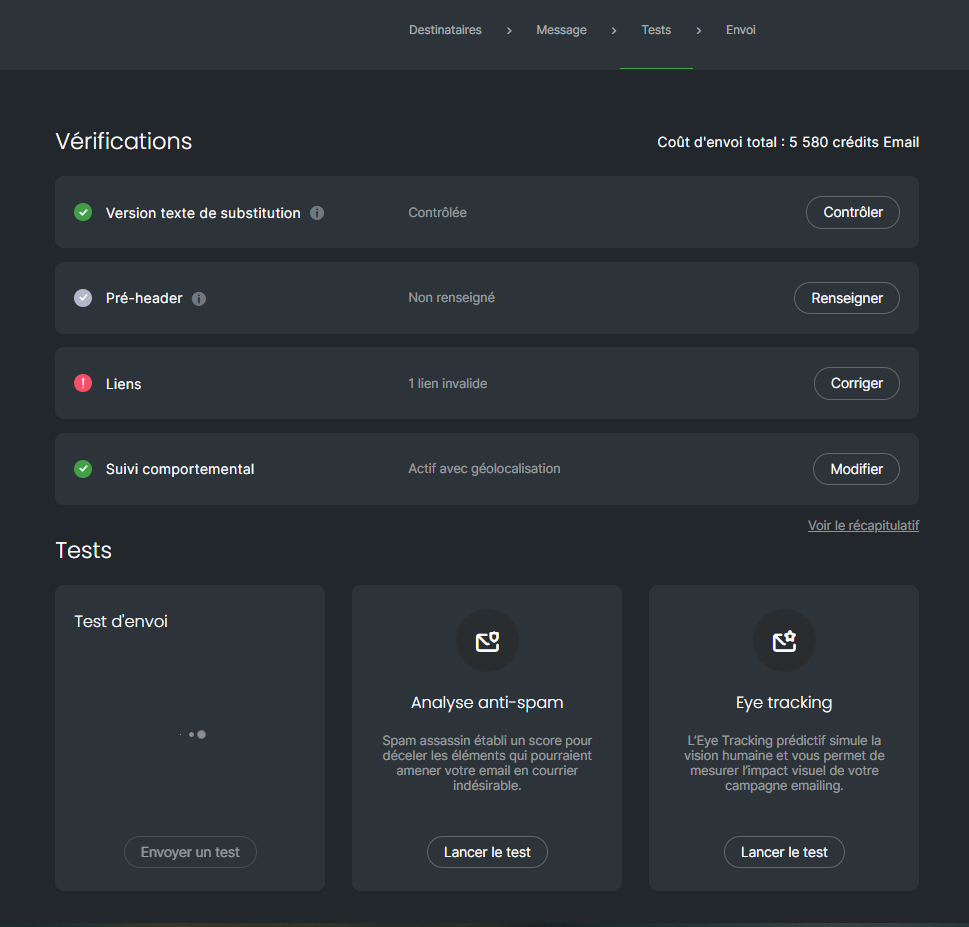
Once the test is finished, click a report's image to open it.
Four reports appear in the panel.
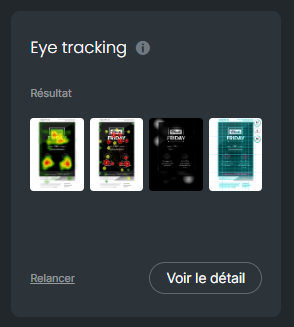
A gradient from green (little attention) to red (a lot of attention) shows the areas looked at most.
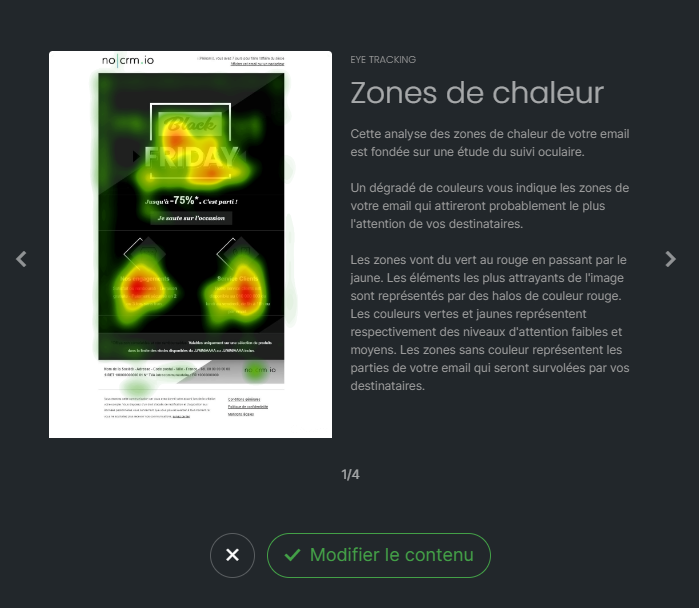
Numbered circles show the order in which the eyes land during the first few seconds.
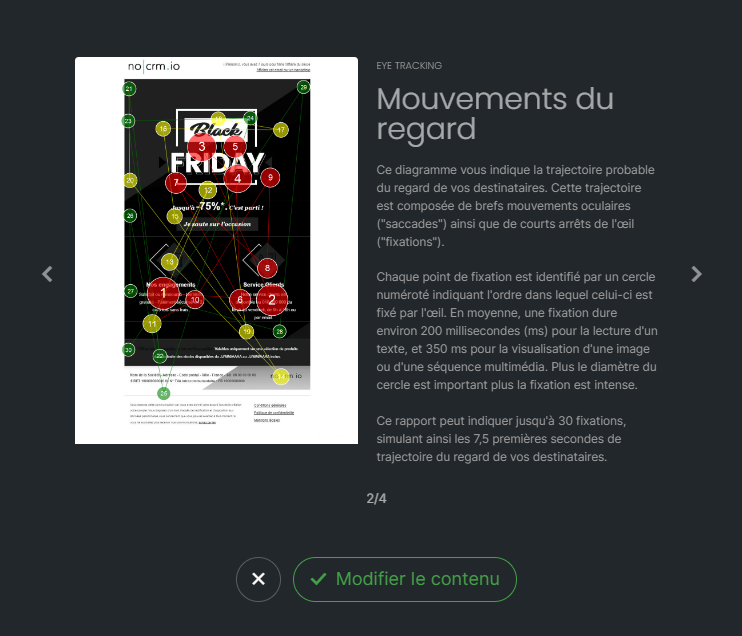
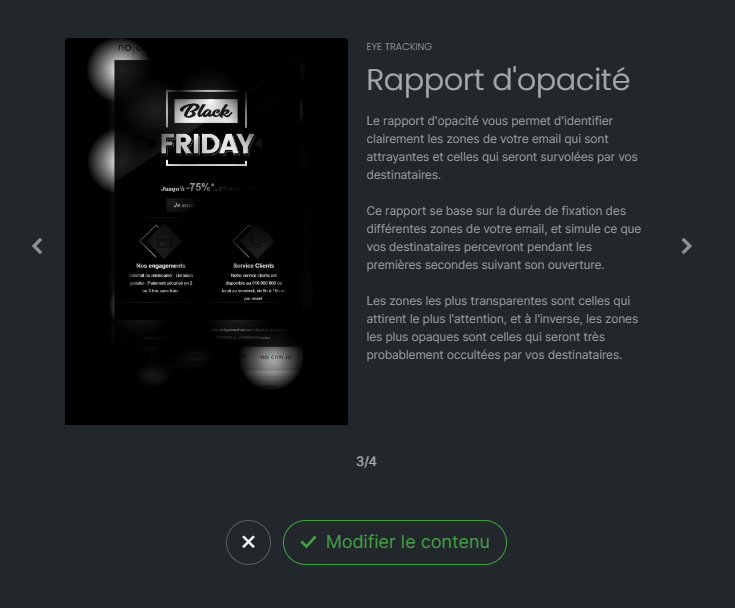
What remains visible is what the reader perceives in the first few seconds. Opaque areas are likely to go unnoticed.
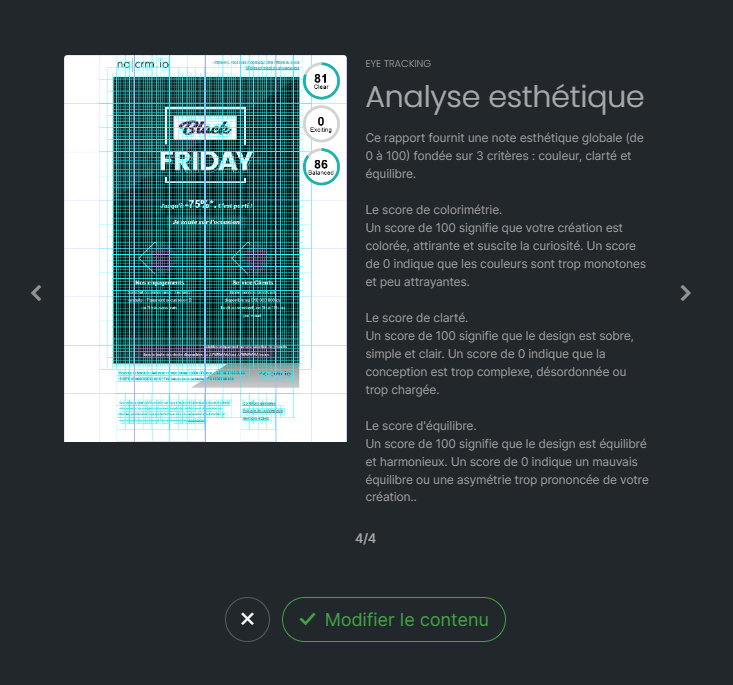
A score from 0 to 100 rates the color, clarity and balance of your email. The Withdraw indicator measures how much the message "pushes away" the eye (areas the eye does not linger on, or that feel unpleasant): the lower the value, the better.
Important: the test does not update by itself. After changing your message, run it again to get up-to-date results.
You have used all the eye tracking tests available on your account. To get more, contact technical support.
Eye tracking is reserved for the Exclusive plan. To change plans, contact your account manager.
The test analyzes the message as it was when you launched it. Run the test again from the checks step.
