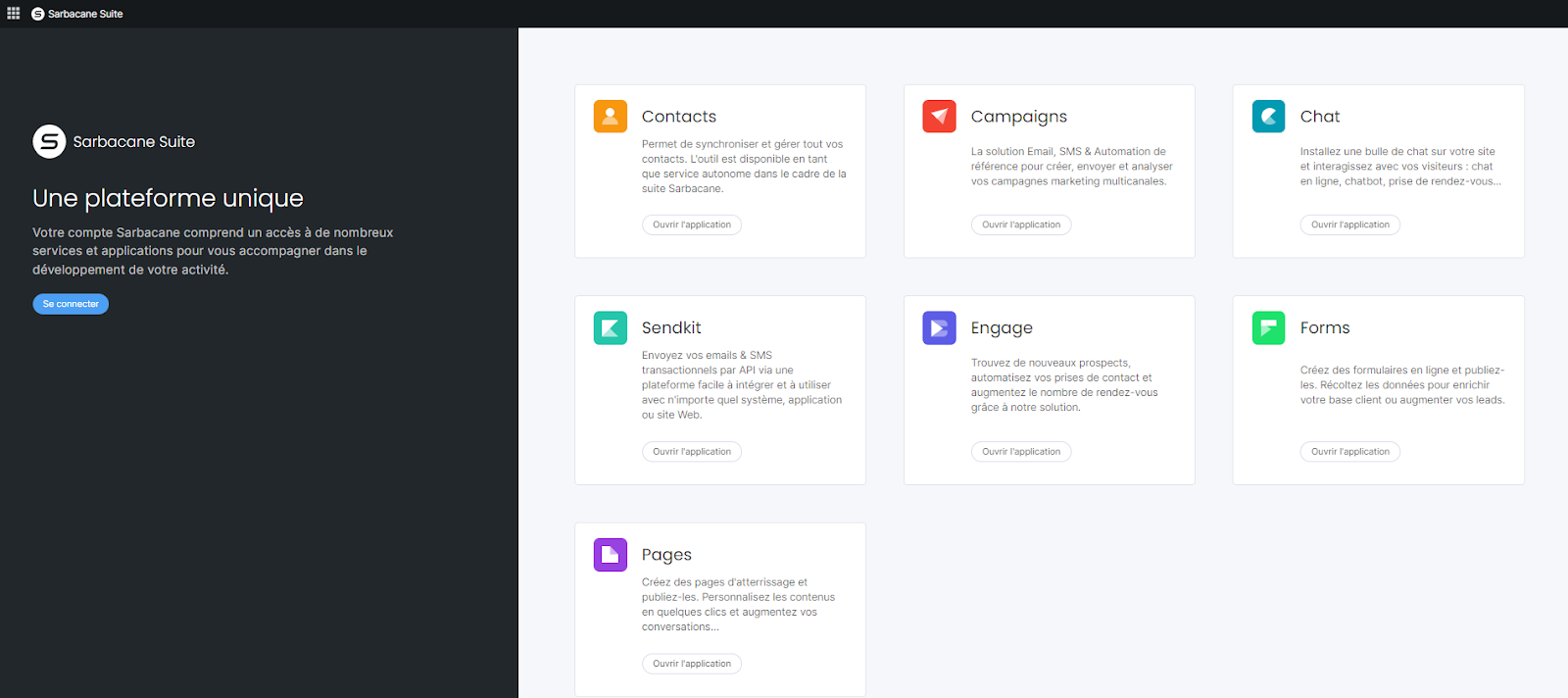
As soon as you log in, the Sarbacane Suite homepage displays your applications in the center of the screen. To switch between applications, use the Bento menu in the top left. To access your profile and account settings, click your avatar in the top right.
A Sarbacane account.
A license for each application you want to open.
To manage licenses and users: the account owner or administrator role.
In the center of the homepage, find the application you want to use.
On its tile, click Open application.
To switch to another application, click the Bento menu in the top left, then select the application.
To access your settings, click your avatar in the top right of the screen. A menu appears on the left.
To manage licenses or users, in the menu that appears on the left, click Product license management or User management.
The selected application opens, or the license or user management page appears.
Your subscription does not include a license for this application. The account owner or an administrator can purchase one and then assign it to you.
This button is only displayed to the account owner and administrators. Ask them to assign the license to you.
