You can log in to your Sarbacane account directly from the address account.sarbacane.com. You can log in either with your personal credentials if you already have an account, or via the invitation link received by email if a colleague has shared their access with you.
Before logging in, make sure you have:
An active Sarbacane account (email address and password).
Or a valid invitation email sent by an account administrator.
Go to the login page: account.sarbacane.com.
Enter your email address and password.
(Optional) Check the Keep me logged in box to avoid re-entering your credentials on your next logins.
Click Login.
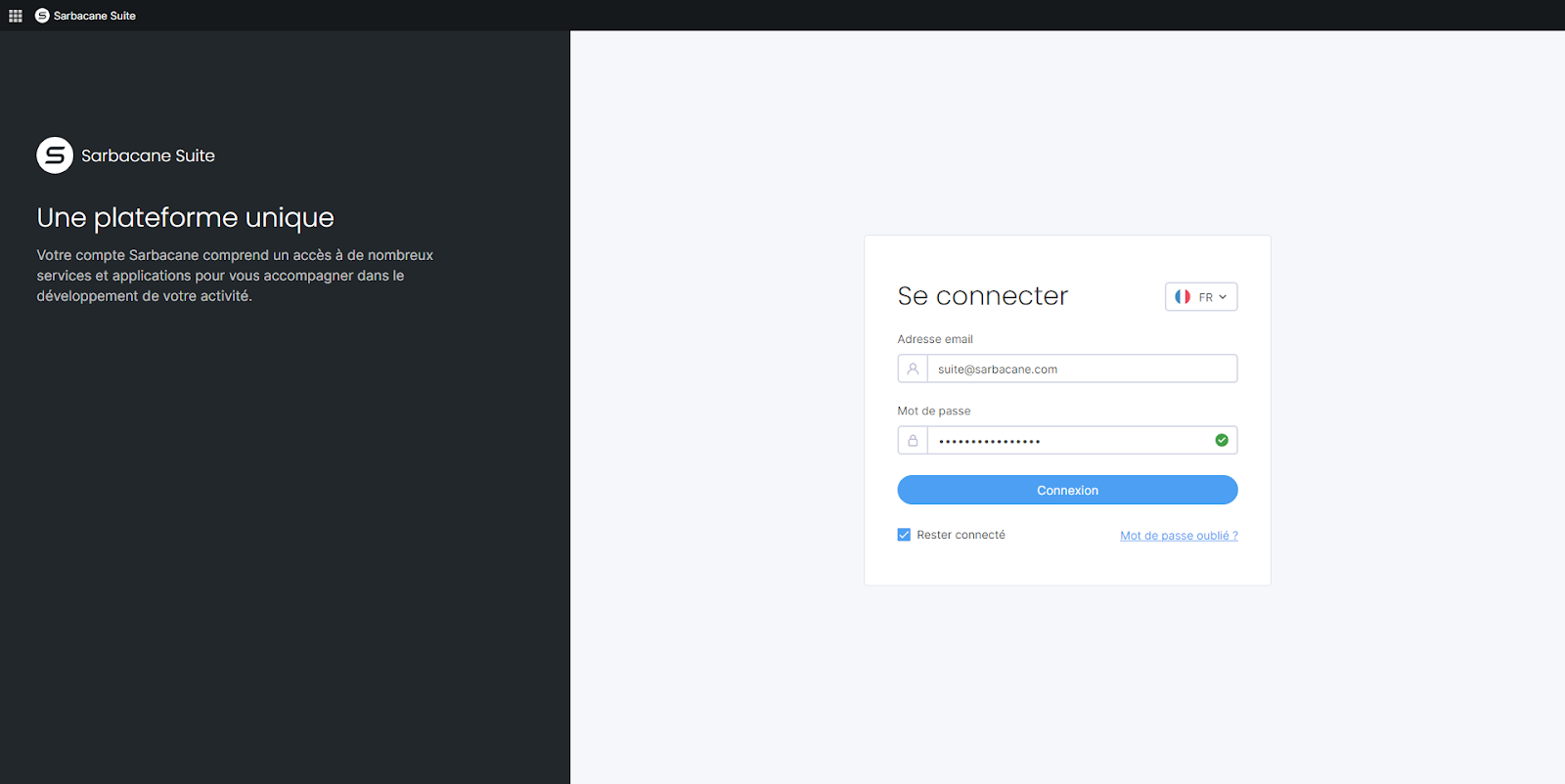
Note: enabling the Keep me logged in option is not recommended on a public or shared computer.
If you are invited to a colleague's Sarbacane account, you do not need to create a separate account.
Open the invitation email received in your inbox.
Click on the invitation link in the message.
Set your password by following the on-screen instructions.
Then go to account.sarbacane.com to log in with your email address and this new password.
You are redirected to the work environment and resources that have been shared with you, without any additional account creation step.
If your email address is associated with multiple Sarbacane accounts, a selection step appears after you enter your credentials:
Saisissez vos identifiants de connexion sur account.sarbacane.com.
Dans la liste des comptes disponibles, sélectionnez le compte auquel vous souhaitez accéder.
Validez la sélection “Connexion”.
Un message d’erreur apparait lors de la connexion : “Votre email et/ou votre mot de passe sont incorrects, merci d'utiliser des identifiants valides.” : Vérifier que votre adresse mail est bien orthographiée, que cette adresse n’a pas été modifiée récemment.
Si vous ne vous souvenez pas de votre mot de passe, demandez sa réinitialisation.
