In Sarbacane Campaigns, SMS campaign statistics show how many SMS messages were delivered, who clicked your link, and who replied to you. You can access them from the sent campaign tile.
An SMS campaign that has already been sent.
To track clicks: a link added using Insert a link with behavioral tracking enabled.
To receive replies: the sender must be a Standard number.
In My campaigns, look below the campaign thumbnail for the number of SMS delivered.
On the thumbnail, click the three dots, then click Statistics. The page opens on the Results tab.
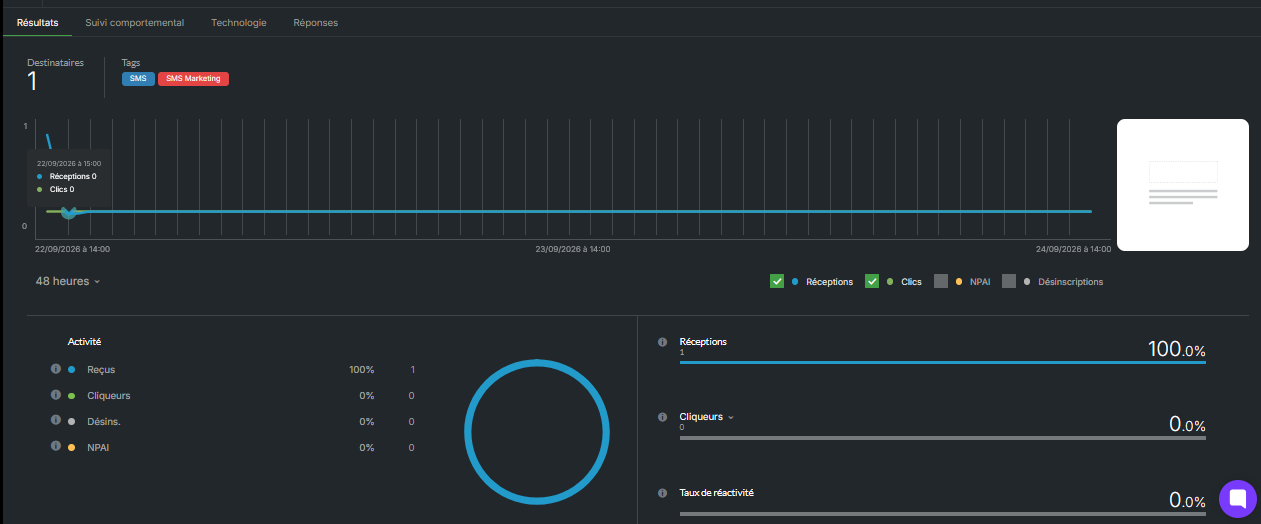
In Results :
at the top left, the number of Recipients and the campaign Tags;
in the center, a graph shows how sends evolve over time. Hover over it to display the number of Deliveries and Clicks at a given date and time. Below the graph, on the left, choose the period (for example, 48 hours). On the right, select the graphs to display: Deliveries, Clicks, Bounces, Unsubscribes;
at the bottom left, the Activity section shows the number and percentage of Delivered, Clickers, Unsubscribes and Bounces;
at the bottom right, the Delivery, Clicker and Engagement Rate rates. The latter is the number of clickers divided by the number of deliveries: it measures your recipients' interest in your message. To see the definition of each metric, hover over the “i” icon next to its name.
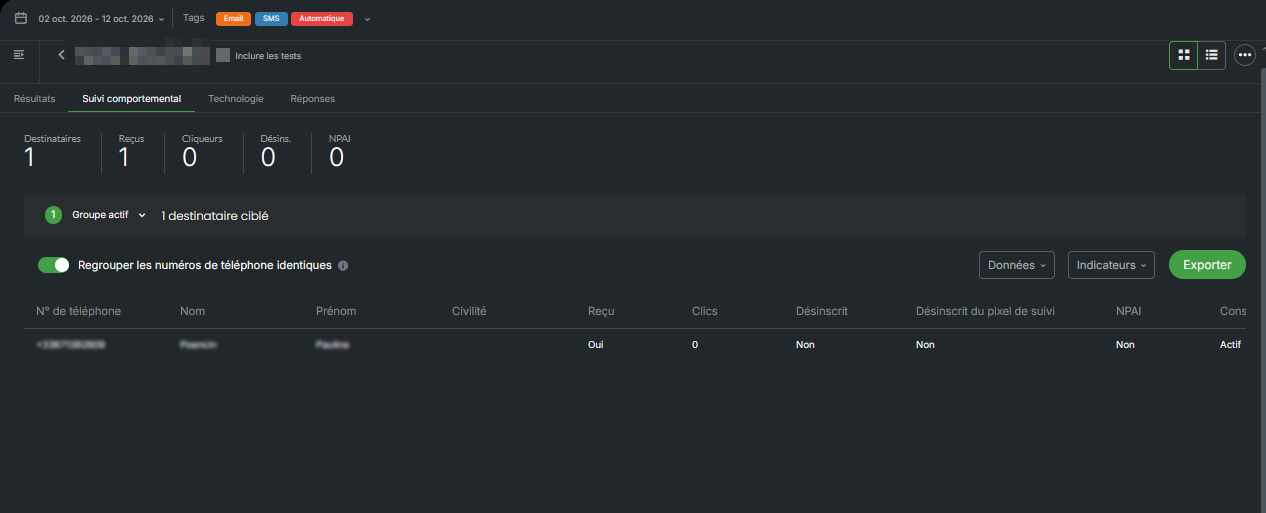
Open the Behavioral tracking tab. At the top, you will find the number of Recipients, Received, Clickers, Unsub. and Bounces. Below, the table displays one row per recipient: phone number, last name, first name, followed by the columns Received (Yes or No), Clicks (the number of clicks on your link), Unsubscribed and Bounces. To retrieve this list, click Export at the top right of the table.
Note: the Technology tab is designed for email campaigns. The Active and Inactive metrics do not apply to SMS.
Open the Responses tab to read messages sent by your recipients.
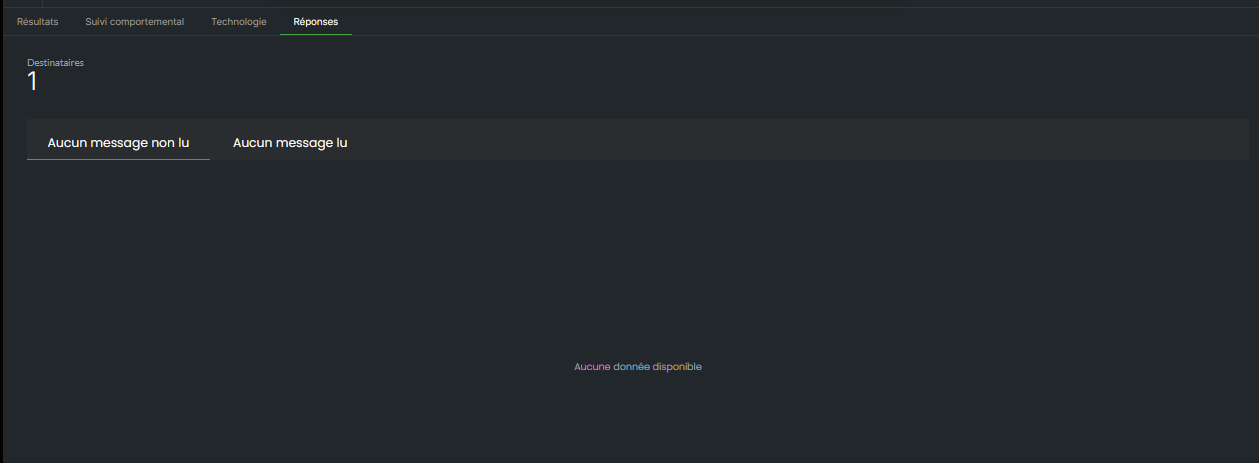
Note: It is currently not possible to export received SMS replies.
To resend the SMS to some of the recipients, click the three dots in the top right, then click Relaunch a campaign.
You know how many recipients received your SMS, who clicked, and what they replied.
Check in this order:
Click tracking is enabled for the campaign: in the Message step, in the toolbar, click the “•••” menu, then Statistics. If behavioral tracking is disabled for your account, no clicks are counted, either in email or SMS.
Clicks also appear in each contact's profile.
The recipient may have replied with just a space. To check that replies are coming through correctly, send yourself an SMS and reply to it. If your reply doesn't appear, contact customer support.
With a Custom sender, your recipients cannot reply. Choose Standard number.
Enable Google Analytics tracking in your account settings: Campaigns > Statistics > Google Analytics.
For SMS, the utm_medium parameter is automatically set to “sms”.
In GA4, also check the “Direct” or “Unassigned” channels: GA4 sometimes classifies this traffic there.
